65
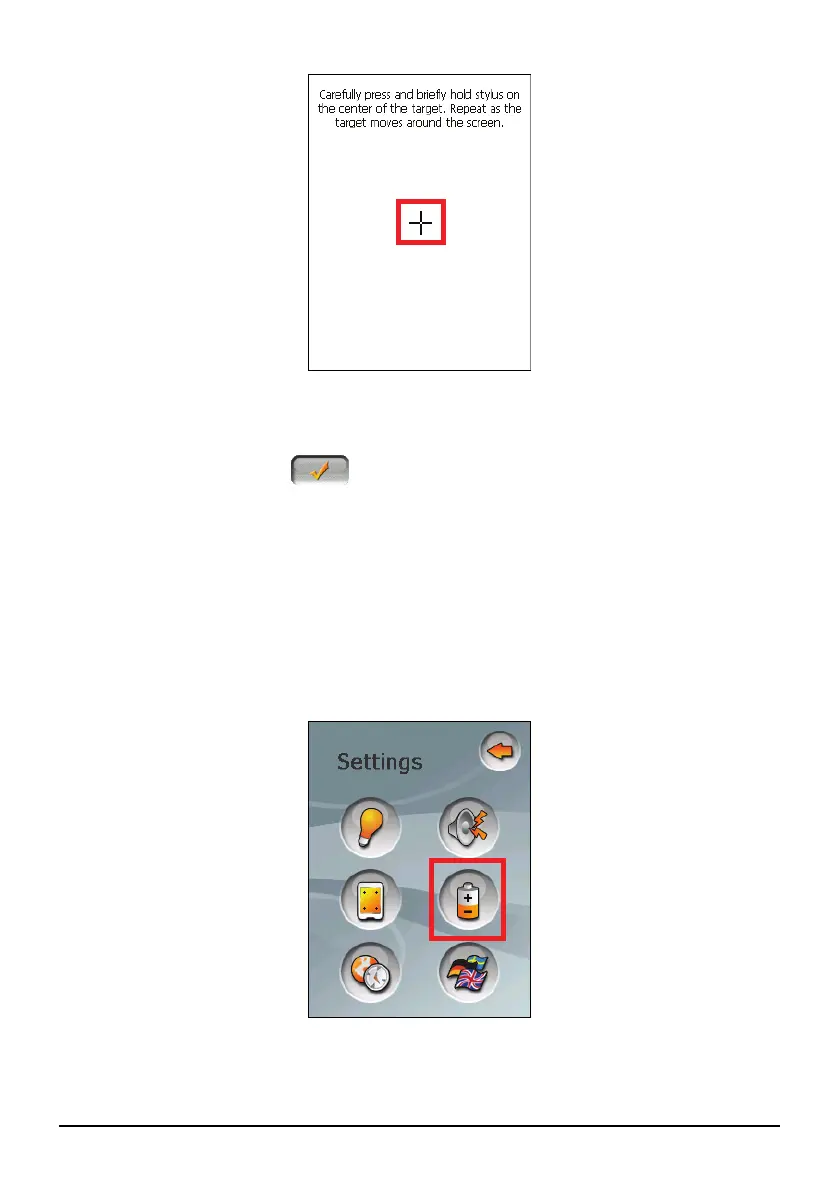
5. When the target moves to another position, tap and hold the centre of the new
target. Repeat each time to complete the calibration process.
6. When completed, tap
.
8.5 Power
To check the remaining power level of your battery and/or set up the power saving
feature:
1. Tap the
Settings button on the Home screen.
2. Tap the
Power button.
3. The screen shows the remaining power of your battery.



 To Next Page