45
5.6 Using the Play Lists
By default, the program automatically loads all MP3 files in the play list. You can
also create your own play lists for future use.
Creating a Play List
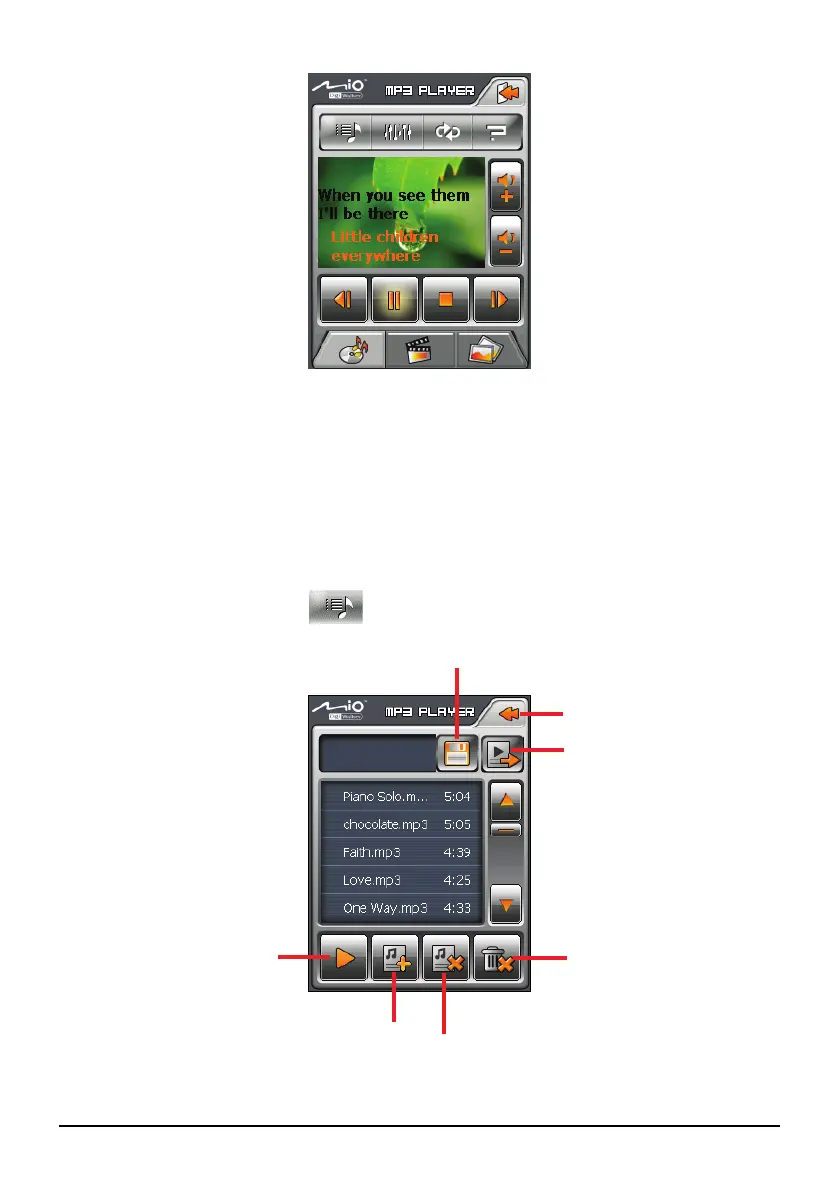
1. After starting MP3, tap on the control panel to open the play list
screen. The screen shows the current play list.
Back
Play the
selected file.
Remove current
son
from the list.
Save the play list.
Open the list of play lists.
Remove all songs from
the list.
Add song


 To Next Page