47
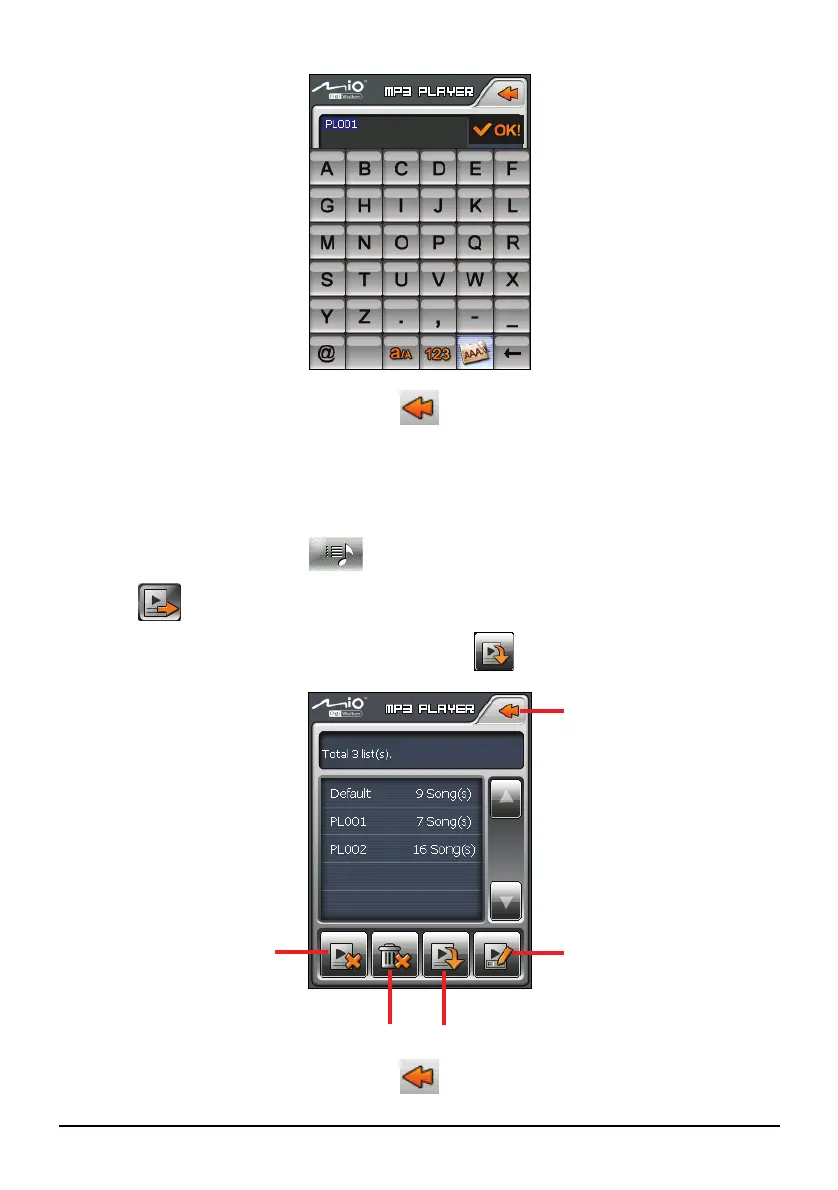
6. To return to the control panel, tap
.
Opening a Play List
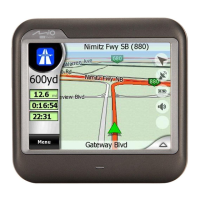
To open one of the play lists that you have created:
1. After starting MP3, tap
on the control panel.
2. Tap
to display all the play lists you have created.
3. Tap the play list you want to open and tap
.
4. To return to the control panel, tap
.
Back
Open the selected play list.
Delete all the play lists.
Delete the selected
play list.
Rename the selected
play list.


 To Next Page