11
Ref Button Name Description
For Detailed
Information
Includes MP3 Player, Video Player, and Photo
Viewer.
Chapters 5~7
MP3 Player plays MP3 music. Chapter 5
Video Player plays video clips. Chapter 6
MioPlayer
Photo Viewer displays pictures. Chapter 7
Game Provides various games. Chapter 9
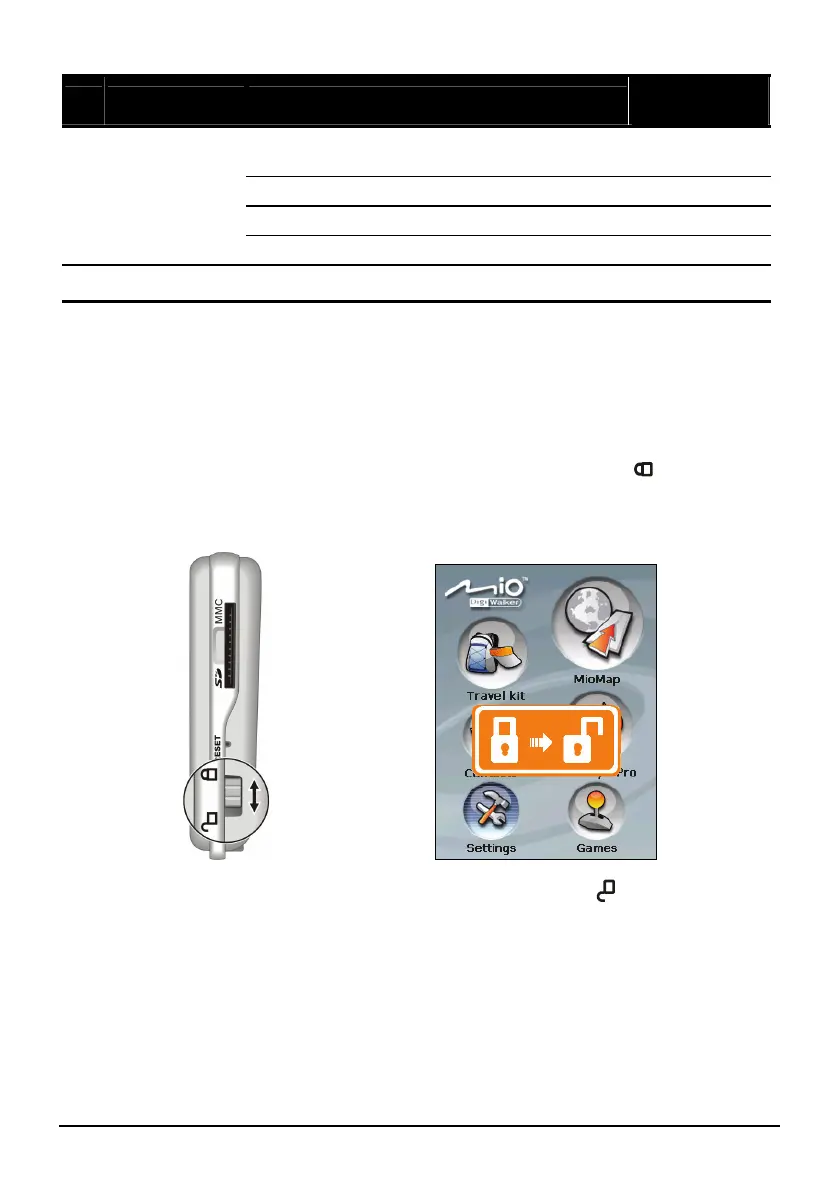
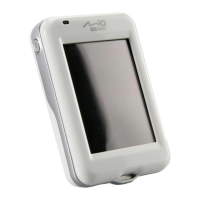
Locking Your Device
You can lock your device so that accidental touching of the device does not cause
your device to operate.
To lock your device, slide the lock switch upward to the locked (
) position.
When you touch the screen or press a device button, the lock icon appears as
shown below.
To unlock the device, slide the switch back to the unlocked (
) position.
Lock
Unlock


 To Next Page