58
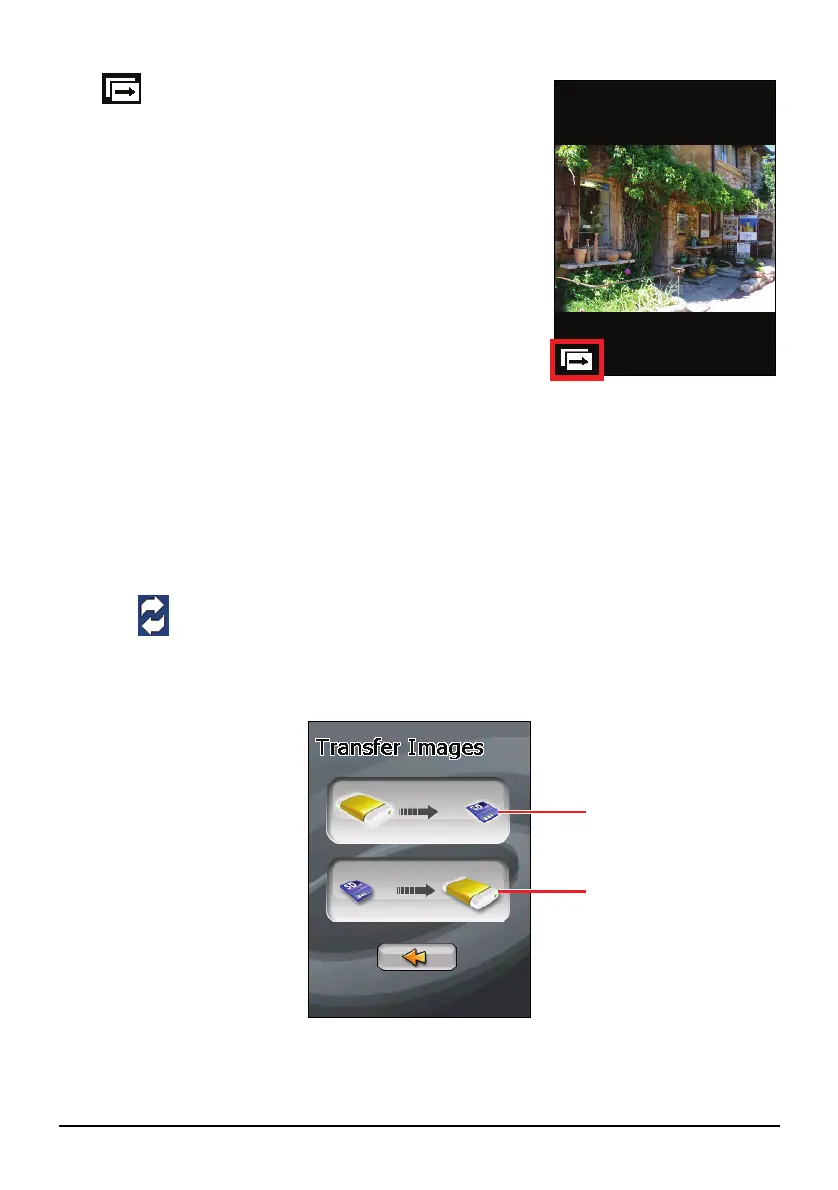
The icon indicates that the slideshow is on. To
stop the slideshow, tap anywhere on the screen.
7.7 Transferring Pictures
You can copy pictures from your device to your storage card or from your storage
card to your device.
1. In full screen view, tap anywhere on the picture to display the control buttons.
2. Tap
.
3. Select one of the two ways to transfer pictures, either from the device to the
storage card or from the storage card to the device.
Transfer pictures from
the device to the
storage card.
Transfer pictures from
the storage card to the
device.


 To Next Page