66
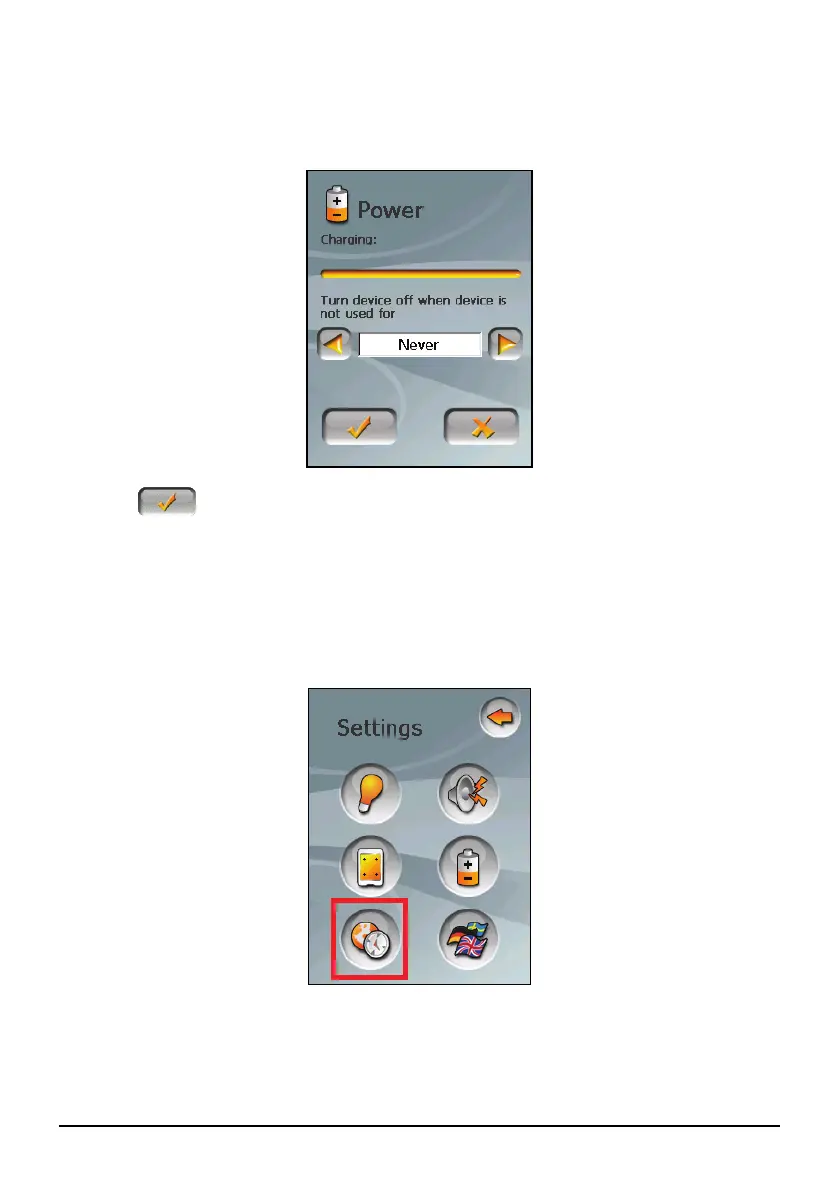
You can set a timer to automatically turn off your device when it is idle for a
set period of time. The options include Never, 30 minutes, 20 minutes, and
10 minutes.
4. Tap
to save the changes.
8.6 Date&Time
1. Tap the Settings button on the Home screen.
2. Tap the
Date&Time button.
3. To change the time zone, tap the left/right arrow in the “Time Zone” item.



 To Next Page