15
2 Travel Kit—Compass
2.1 Starting and Exiting Compass
Compass shows direction on the screen.
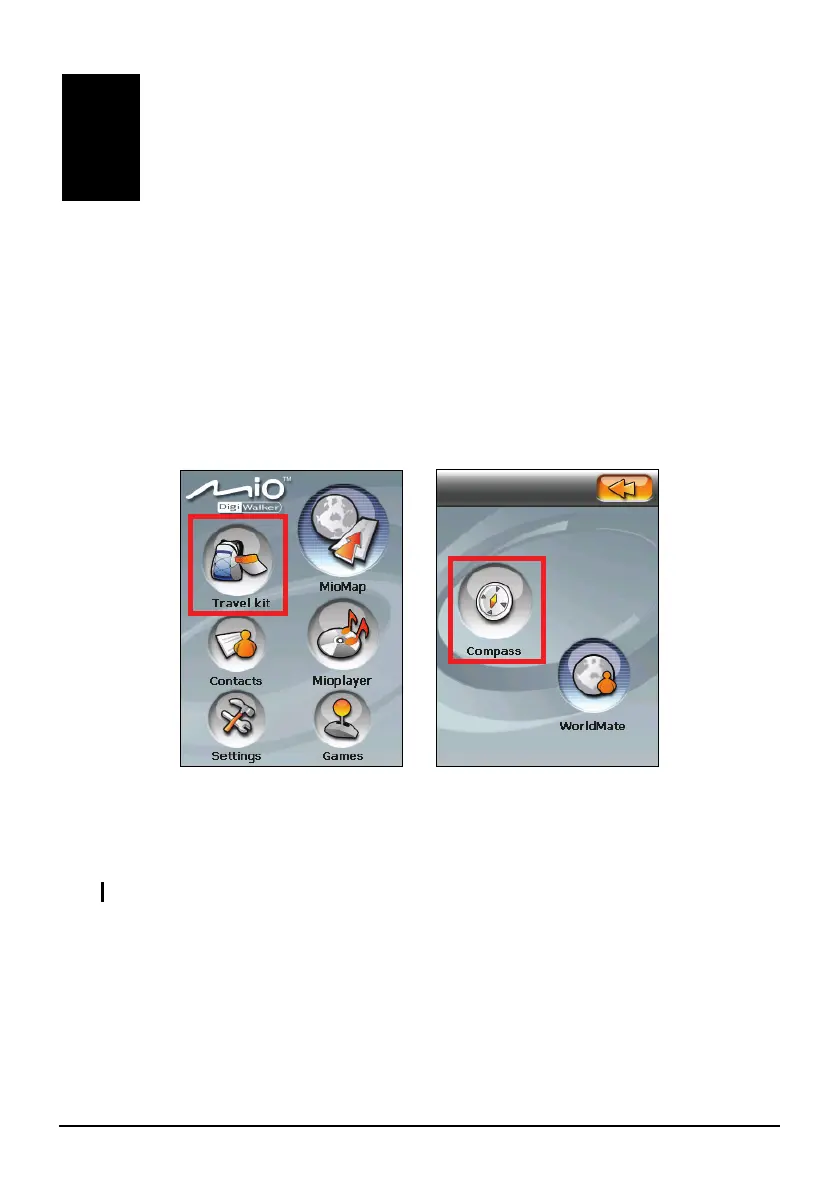
Tap the
Travel Kit button on the Home screen and tap the Compass button to start the
program.
The Compass screen appears. When the status indicator is green, the letter “N”
indicates the magnetic north. As you move the device, the compass rotates
accordingly.
NOTE: Calibrate the compass when using it for the very first time. (See section 2.3.)


 To Next Page