74
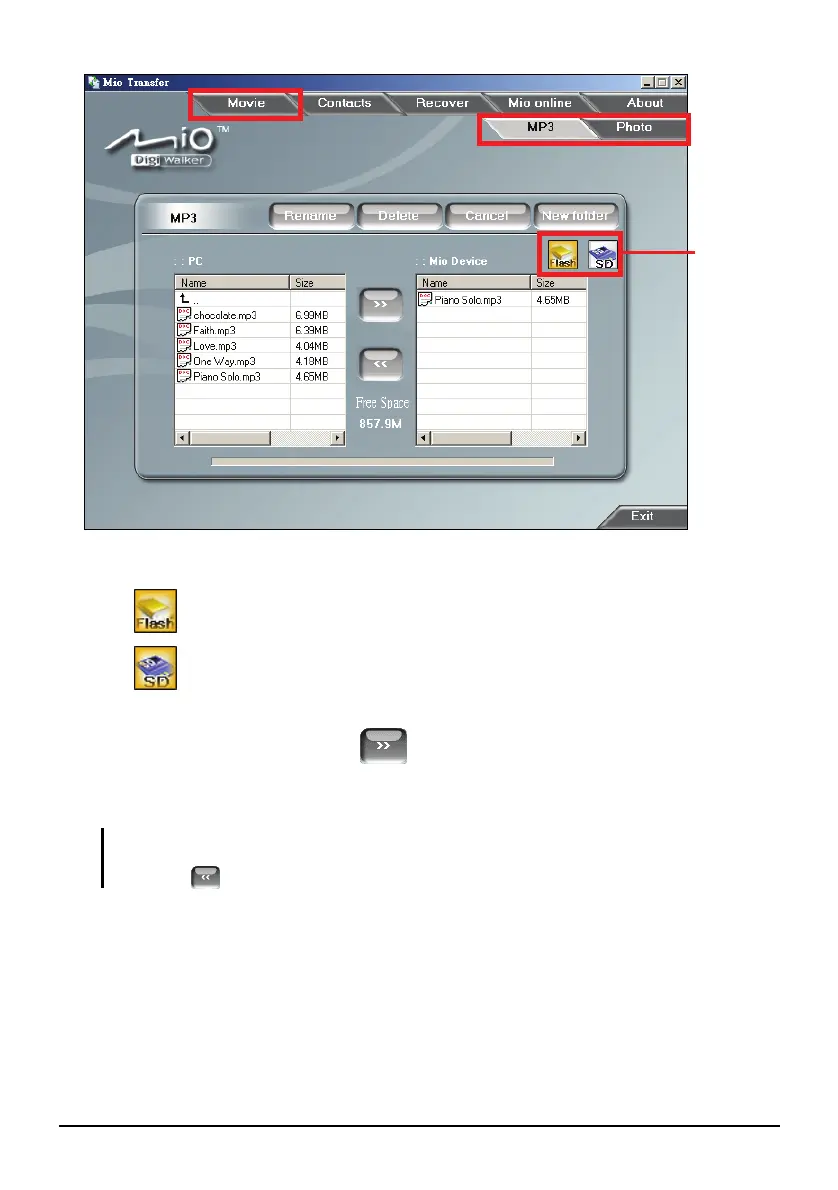
5. Select your target device by clicking one of the icons:
- the flash memory of your device
- a storage card inserted into your device.
6. Select the folder where your files are stored from the left column. Select the
file you want to copy and tap
button. The status bar will indicate the
progress of file transfer and the selected file will be copied to the target
device.
NOTE: You can also copy the files from your device to your computer. First select the file you
want to copy from the right column and select a folder on the left column to place these files.
Then click
to start the file transfer.
Target
Device



 To Next Page