5. Commissioning
MiR Fleet PC Getting Started (en) 01/2021 - v.1.5 ©Copyright 2019-2021: Mobile Industrial Robots A/S. 41
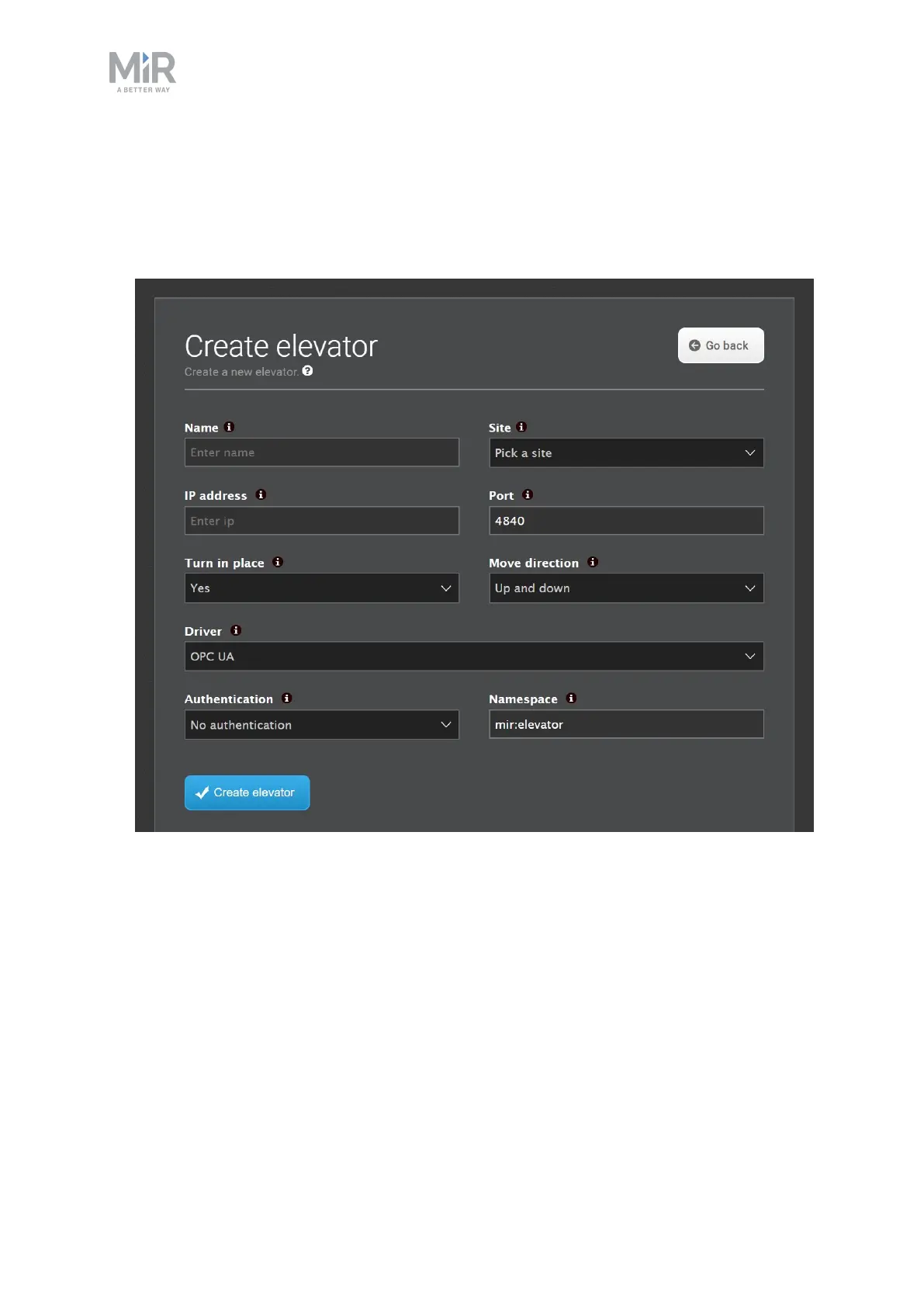
To set up an elevator, follow these steps:
1. Go to Fleet > Elevators and select Create elevator.
2. Name the elevator, enter its IP address, select which driver it uses, and choose if the
robot should turn inside the elevator. When you are done, select Create elevator.
3. Select Floors to set up the floors for the elevator.



 To Next Page