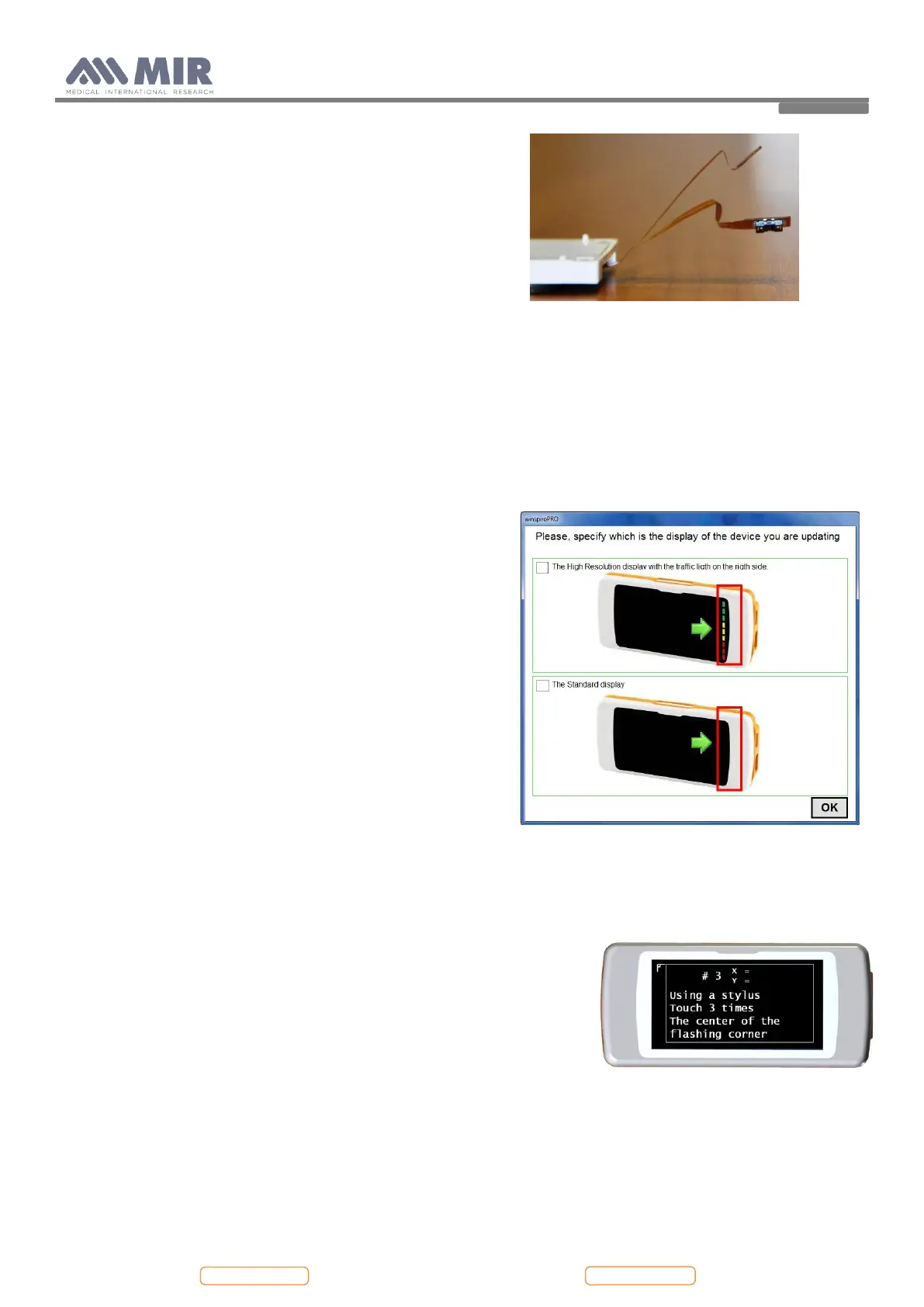
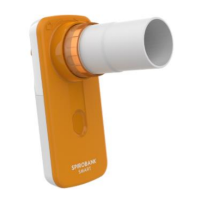
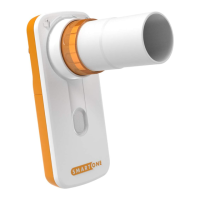
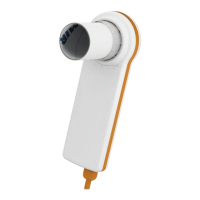
At this time it is possible to close the device following the instruction described in point 4.2.1 in reverse order.
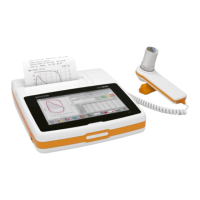
From may 2014 it is available a new spirodoc display with more high resolution. The new one shows the traffic light on the
right side.
It is possible to replace the new one to the older, but it is mandatory to update the internal firmware for the correct
working.
The new display has the following id code: 660580_HR
The new firmware version to update should be greater than or equal to ver. 3.0.
The winspiroPRO software version should be greater than or equal to ver. 5.7.4.
After replacing the new display on the device and closed it as
described in point 4.2.1, than connect it to a PC where it is
available a correct winspiroPRO version. Update the internal
firmware as described in point 4.3.5. During this procedure choose
a firmware to install with version greater than or equal to ver.3.0.
The software will recognize the display change on the device and
will show a warning message as follow:
Choose what type of display is now on the device: the first one is
the new high resolution display, and the second one is the old
display. Check one of the square in the upper left corner and click
on “OK”. If the selection is right, then will start the upload
procedure, else winspiroPRO will show a warning message for the
incompatibility of hardware and firmware version.
4.3.2. Touch screen calibration
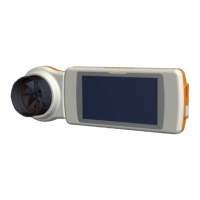
This function is used to check the proper response of the touch screen; the device initially request a confirmation, touching
OK icon the calibration begin
There are four phases as follows:
Touch three times the top left-hand point of the display
Touch three times the top right-hand point
Touch three times the bottom right hand point
Touch three times the bottom right hand point
The reference area is the one inside the flashing outline.
This procedure will then be set up in function of the dimensions of the
display.
This procedure must be carried out using the tip of a touch-screen “pointer” held vertically at 90 degrees to the display.
if the calibration is made correctly then the device shows:
Calibration is OK


 To Next Page