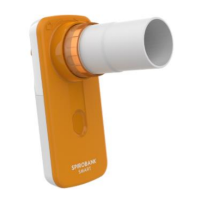
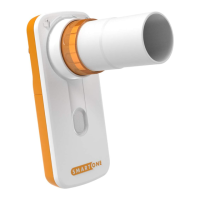
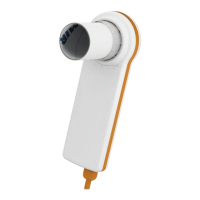
Immerse the turbine in a cold liquid solution and move it within the liquid to remove any impurities which may be
deposited inside. Leave the turbine immersed for the time specified in the instruction of the solution.
Rinse the turbine by immerging it in clean water (not hot).
Shake off the excess water from the turbine and leave it to dry, standing it vertically on a dry surface.
To ensure that the turbine is functioning correctly before replacing it inside the instrument, it is good practice to make a
visual check of the rotation blade. Placing the turbine tube horizontally and moving it gently from left to right and vice
versa, the rotation blade (rotor) must rotate freely. Otherwise, accurate measurement is no longer guaranteed and the
turbine must be replaced.
Once the turbine has been cleaned insert the turbine tube in its place following the instructions indicated by the closed
lock symbol printed on the plastic casing of the spirodoc.
To insert the turbine correctly push it and then turn it clockwise until it reaches the stop, which ensures that the tube has
been blocked inside the casing.
4.3.4.2. Calibration of the reusable turbine
Only reusable turbines can be calibrated.
See instructions in the Calibration section of the User Manual of the device.
The turbines used on spirodoc do not require periodic calibration as they are already calibrated.
4.3.5. Internal software upgrade procedure
In order to upgrade the software winspiroPRO must already be installed and the PC must have an internet connection for
downloading the upgrades and firmware of the spirodoc from www.spirometry.com.
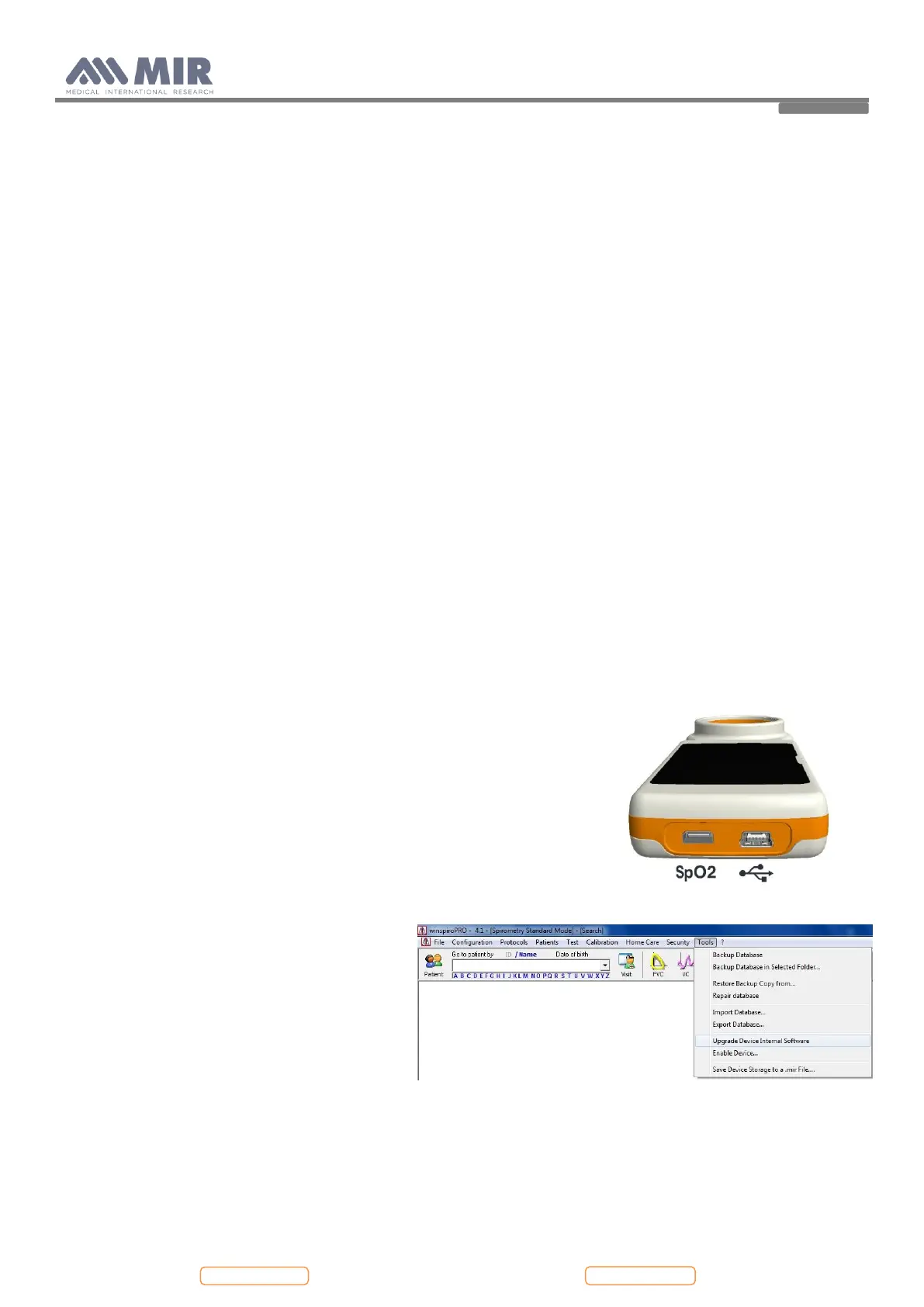
Launch winspiroPRO on the PC and connect spirodoc
to the PC using the USB cable.
winspiroPRO can check the correct functioning of the USB port from the
“options” menu; before downloading any newer releases make sure that the
device is correctly connected to the PC software, the software will
automatically recognize the device if it has already been connected to the PC
and then carry out the following instructions.
To check the connection between the device and the PC, ensure that the led
on the device is illuminated and check the correct functioning from the
“options, communication” menu. On the display of spirodoc appears the
following message:
External control
To download the new internal software version
click on "Tools" menu, and then on "Upgrade
Device Internal Software"


 To Next Page