Note
Where not otherwise indicated, the reinstallation of a part is in reverse order of the removal procedure.
After every repair a functional test must be performed.
Caution
If any soldering (especially on SMD-parts) is to be made, make sure that your tools are suitable for such
precision work.
4.2. Cover
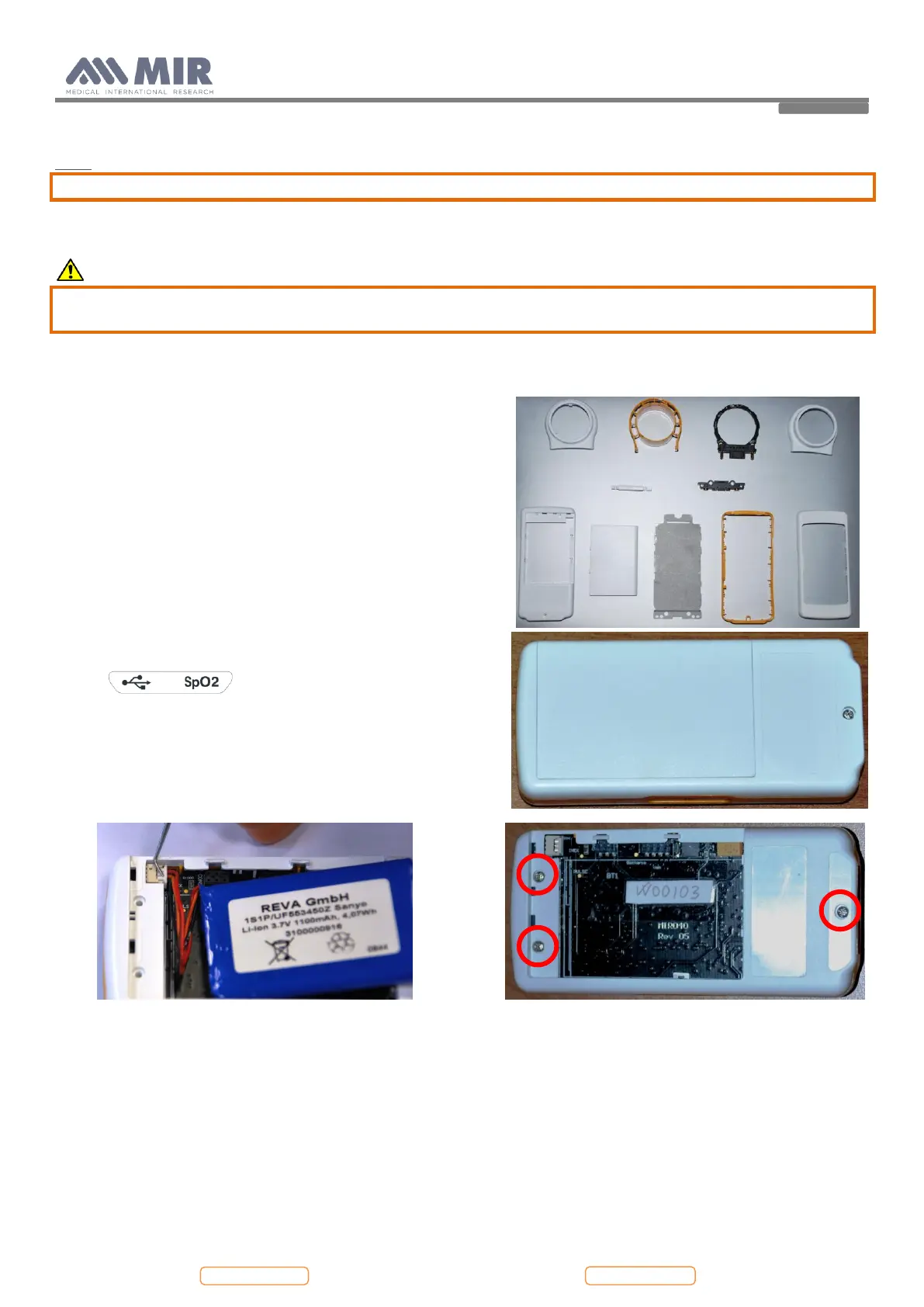
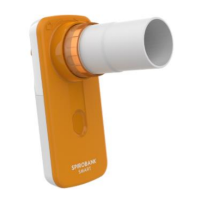
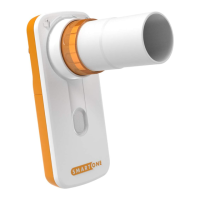
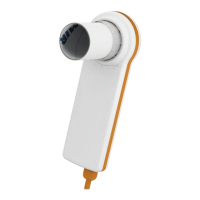
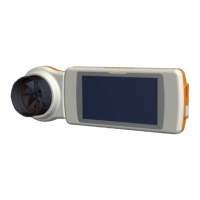
The spirodoc case consists of several parts as illustrated in the
image beside.
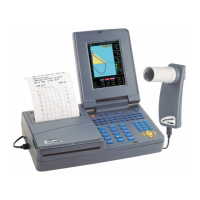
The display is housed inside its casing which is made up of two parts
held together with three screws.
4.2.1. Opening the device
To open spirodoc
:
1. Switch off the device and make sure that the turbine housing is
removed from the main body of the device
2. Place the device on a flat surface with bottom part face-up
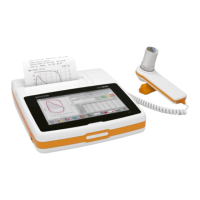
3. Remove the battery compartment cover using the case opener
all around the perimeter to drop the clips and then remove the
label . Pay attention to not damage the
plastic material.
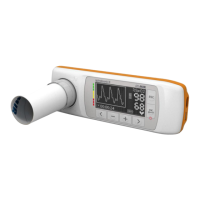
4. Remove the battery pack by dropping the connector using a
screwdriver or a tweezers
5. Completely remove the three screws using a screwdriver


 To Next Page