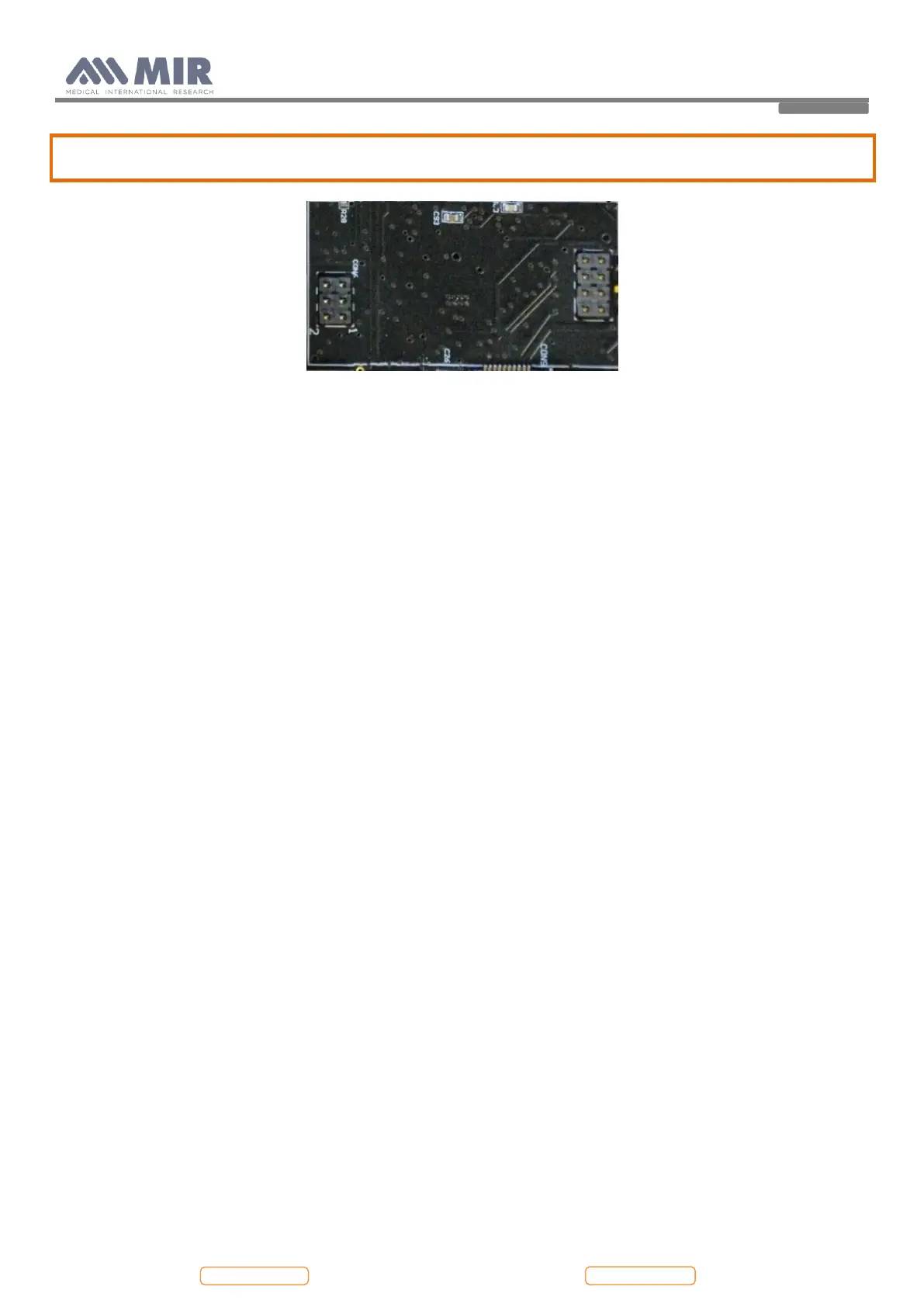
The two connectors on the PCB are different: CON10 has 8 pins, CON 6 has 6 pins. Pay attention to the correct
position of the connector: all the pins must be inserted in the relative connector.
To attach the oximetry module to the PCB, it is recommended to apply an adhesive in the space between the PCB and the
highest micro on the oximetry module (placed in the face not visible).
Close the device as in point 4.2.1 in reverse order.
4.5. Testing procedures
After making all repairs described in the previous paragraphs, correct functioning tests must be performed on both the
Hardware and Software.
Devices with oximeter and devices without oximeter have their own specific testing procedures.
4.5.1. Testing procedures for devices with oximeter
The following checks must be carried out on each device:


 To Next Page