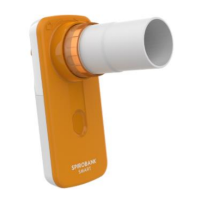
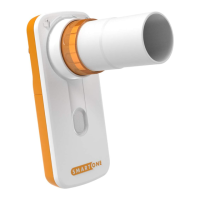
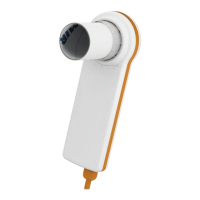
CHECKS ON MAIN CASING OF THE ASSEMBLED DEVICE
Table 2
Check that the temperature corresponds to the BTPS*
Temperature equal to thermometer
reading +/- 1 °C
Set time and date (see User Manual)
The set parameters must remain as
configured
Carry out search for enabled devices
Set timer at 6 minutes and leave device on
After 6 minutes the device switches off
Switch on the device and check screen shots
All pixels must work correctly
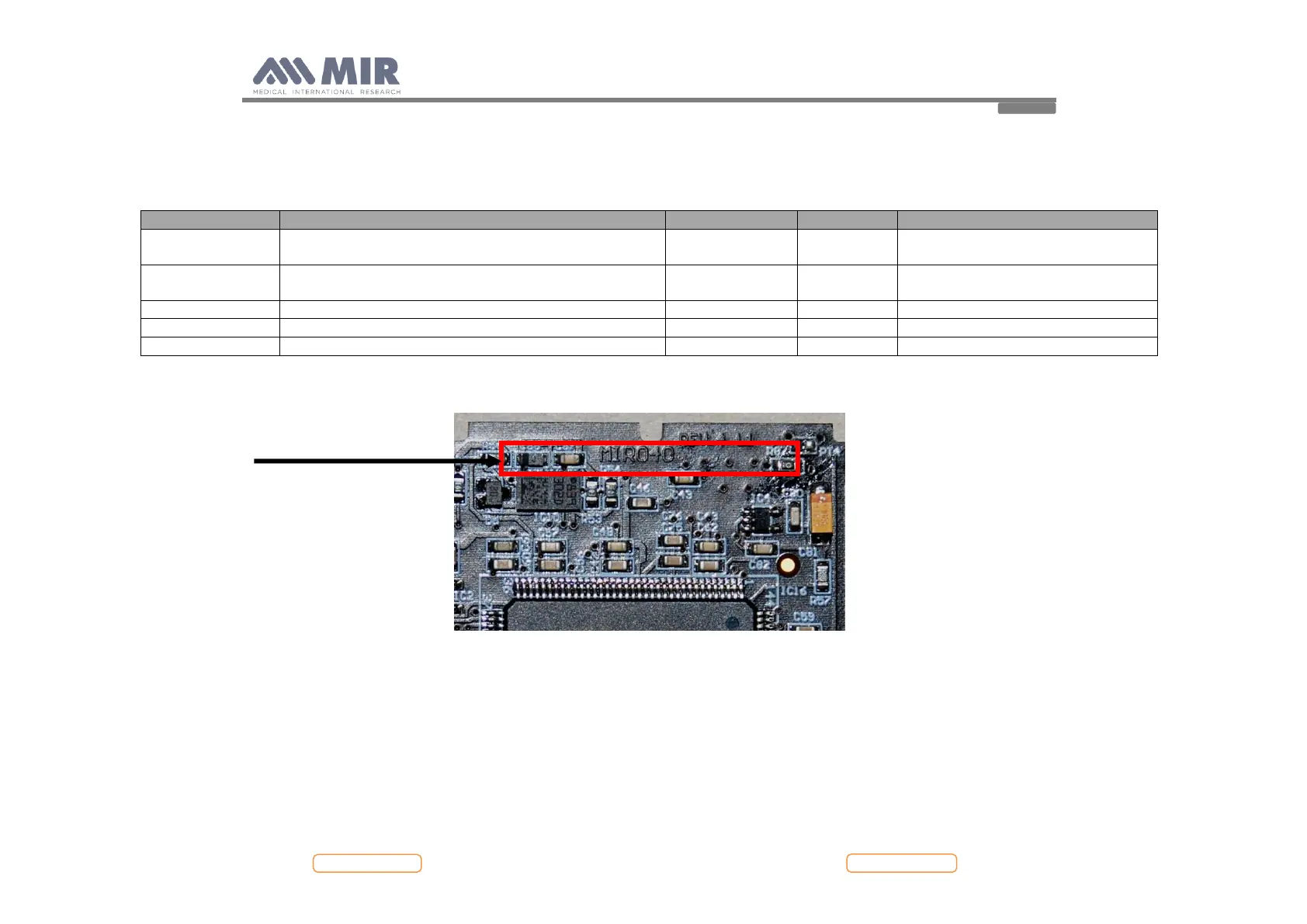
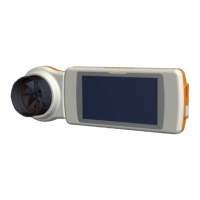
* The BTPS appears on the display during a spirometry test as shown below:


 To Next Page