INSTALLATION AND SETUP
2-16
Mirage 22000/4000/6000User’s Manual
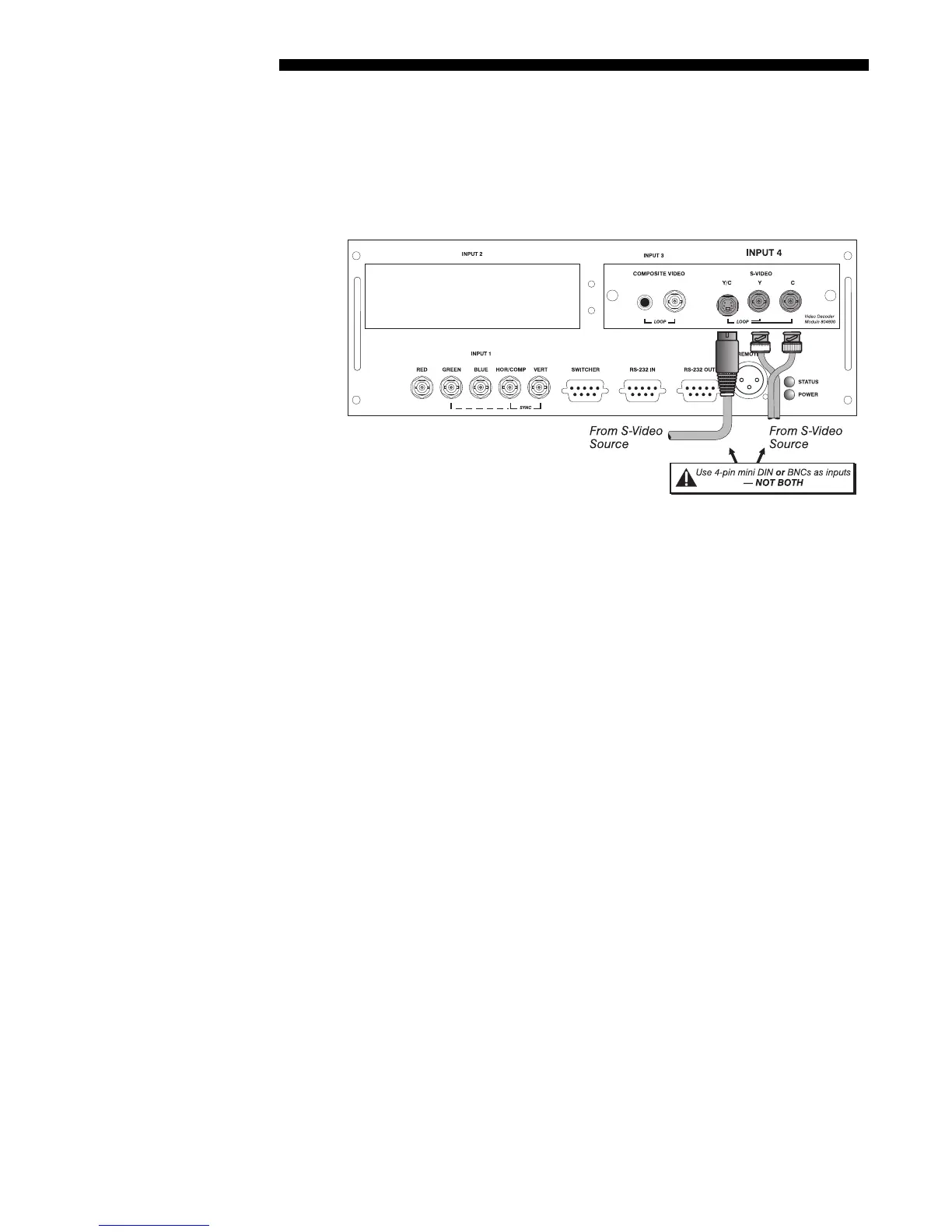
The video decoder input panel provides simultaneous connection of both a composite
video source (
INPUT 3) and an S-Video source (INPUT 4).
If connecting an S-Video source, use the 4-pin mini DIN connector or the Y and C
BNC connectors (luma and chroma) at
INPUT 4–do not use both as inputs. See Figure
2.16.
Figure 2.16. Connecting S-Video
NOTE: If you want to loop an S-video signal through to another projector or display
device, see Video Loop Through below.
S-Video
'



 To Next Page