Mitel 6867i SIP Phone Release 4.0.0 SP1 User Guide
INTERCOM KEY
You can use the Intercom key to automatically connect with a remote extension for outgoing
calls, and to answer an incoming intercom call.
CONFIGURING AN INTERCOM KEY USING THE MITEL WEB UI
1. Click on Operation > Softkeys and XML.
or
Click on Operation > Expansion Module <N>.
Softkeys
2. Select from Key 1 through Key 20 on the Top keys.
or
Select from Key 1 through Key 18 on the Bottom keys.
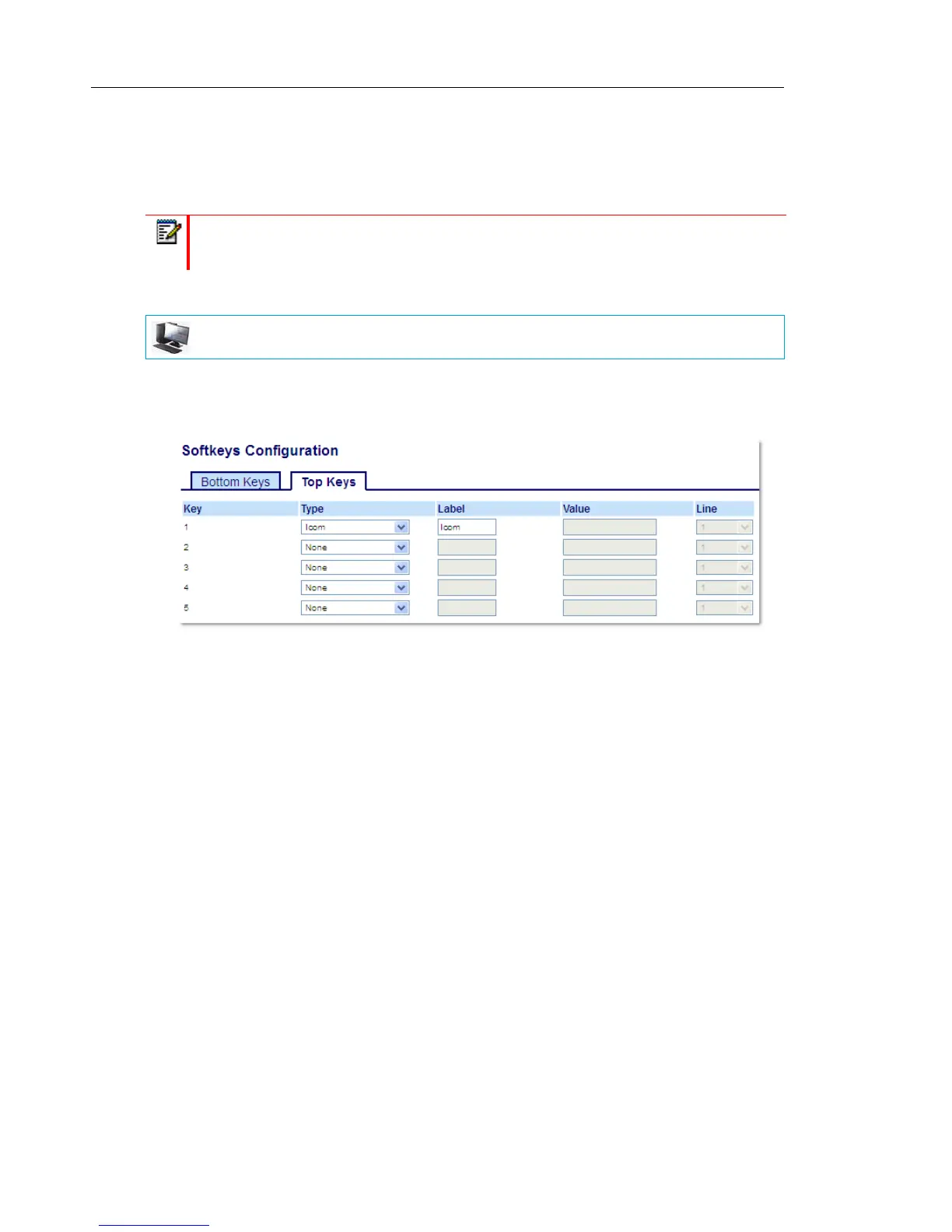
3. In the Type field, select Icom.
4. In the Label field, enter a label to apply to this key.
5. In the state fields, check (enable) or uncheck (disable) the states you want to apply to this
softkey.
Expansion Module Keys
6. Select from Key 1 through Key 16 (M680i) or Key 84 (M685i).
7. In the Type field, select Icom.
8. Click Save Settings.
Note: For more information about the Intercom feature, see “Using Intercom
Functionality” on page 134.
MITEL WEB UI



 To Next Page