Mitel 6867i SIP Phone Release 4.0.0 SP1 User Guide
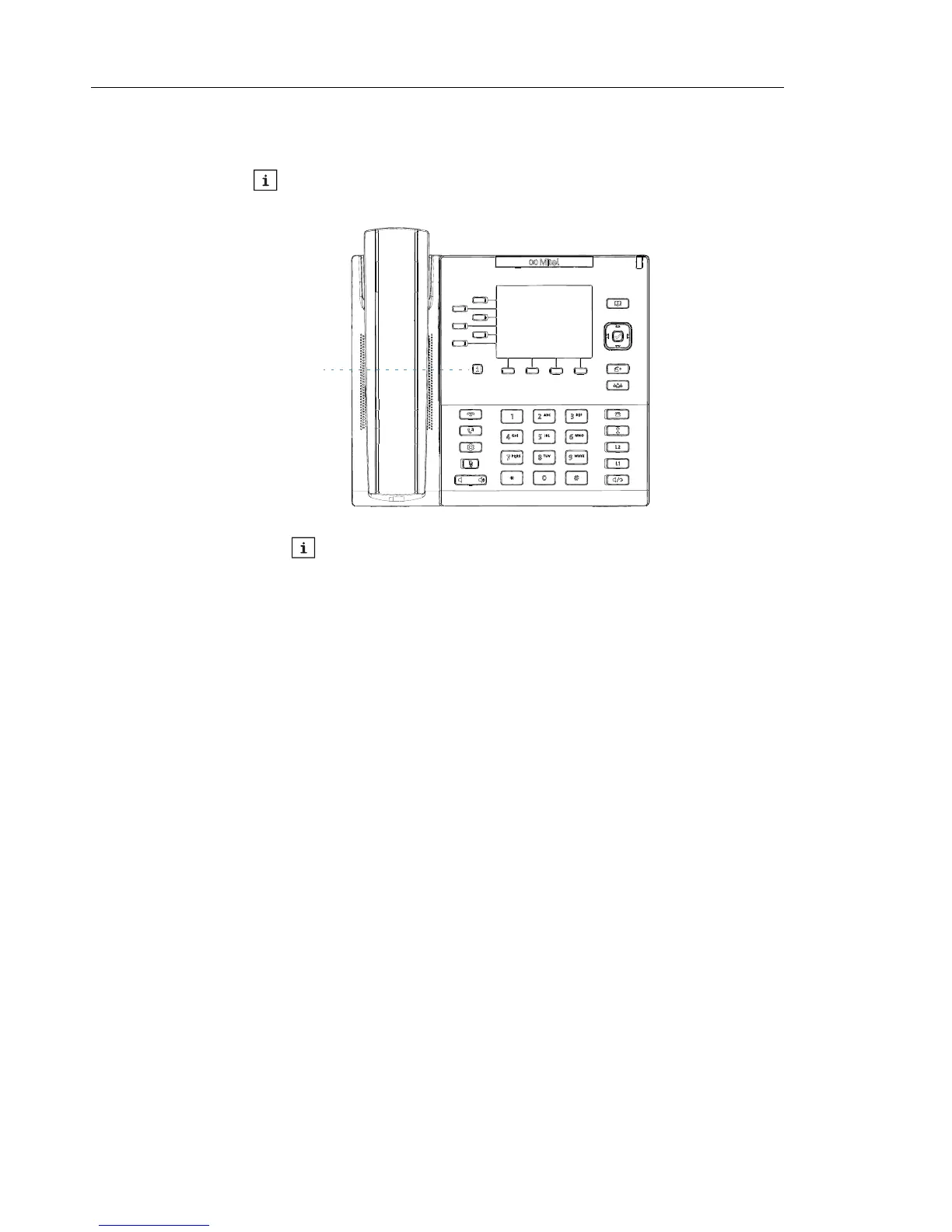
PRESENCE KEY
The Presence key is used to access the contact information screens, which provide
detailed information about a respective Busy Lamp Field (BLF) or Speed Dial contact.
When you press the key, you are able to view the contact’s BLF details (if a BLF key is
selected), Picture ID (if applicable), as well as all the phone numbers of the contact saved in
your phone’s memory.



 To Next Page