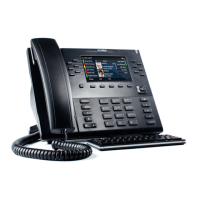
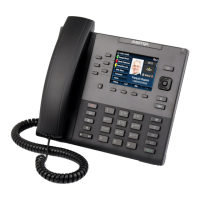
Mitel 6867i SIP Phone Release 4.0.0 SP1 User Guide
NONE KEY
Use the following procedure to delete a key’s functionality on the 6867i IP phone.
DELETING A KEY’S FUNCTION USING THE MITEL WEB UI
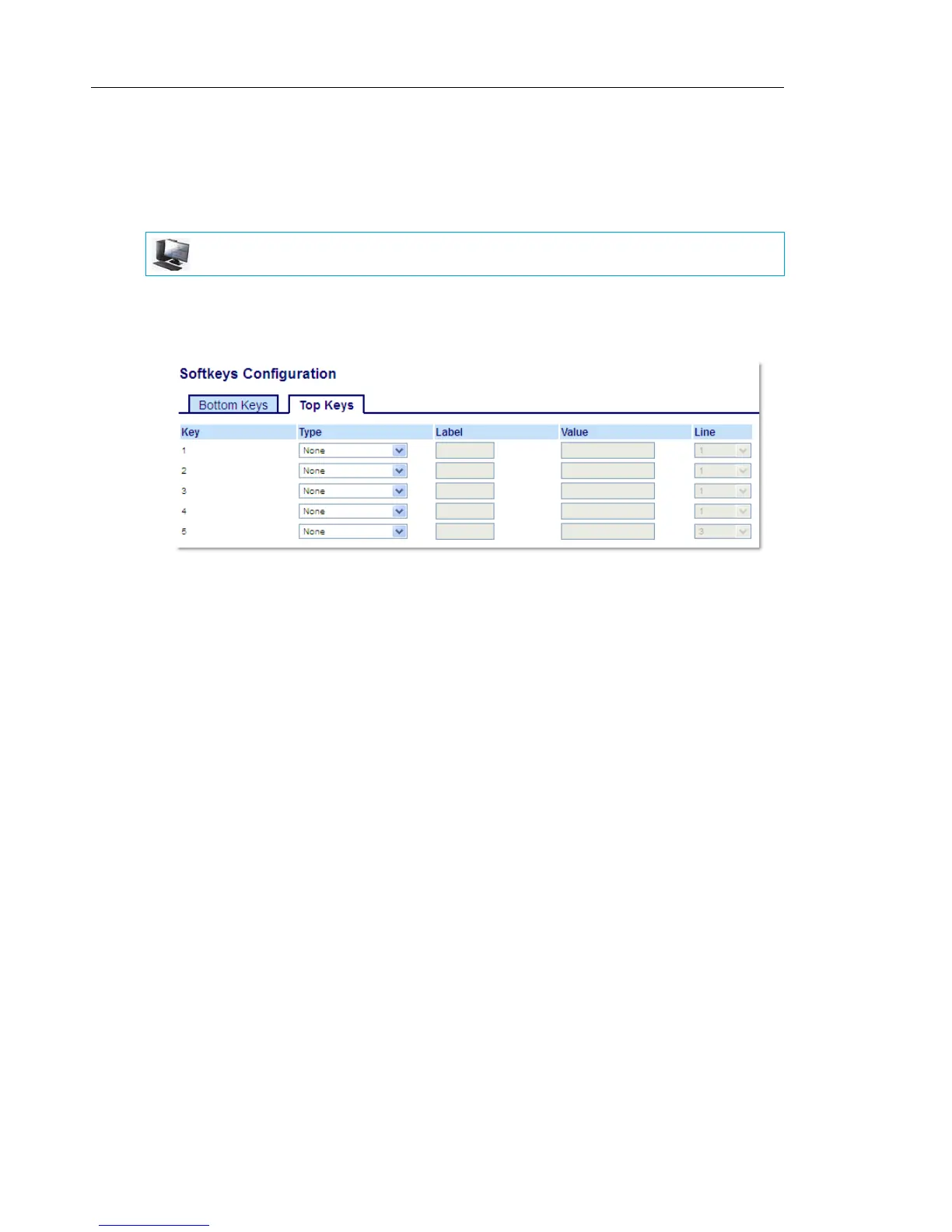
1. Click on Operation > Softkeys and XML.
or
Click on Operation > Expansion Module <N>.
2. Choose the key you want to delete from the phone or expansion module.
3. In the Type field, select None.
4. Click Save Settings.
The key function is deleted from the IP phone memory.
MITEL WEB UI


 To Next Page