Mitel 6867i SIP Phone Release 4.0.0 SP1 User Guide
UI NAVIGATION
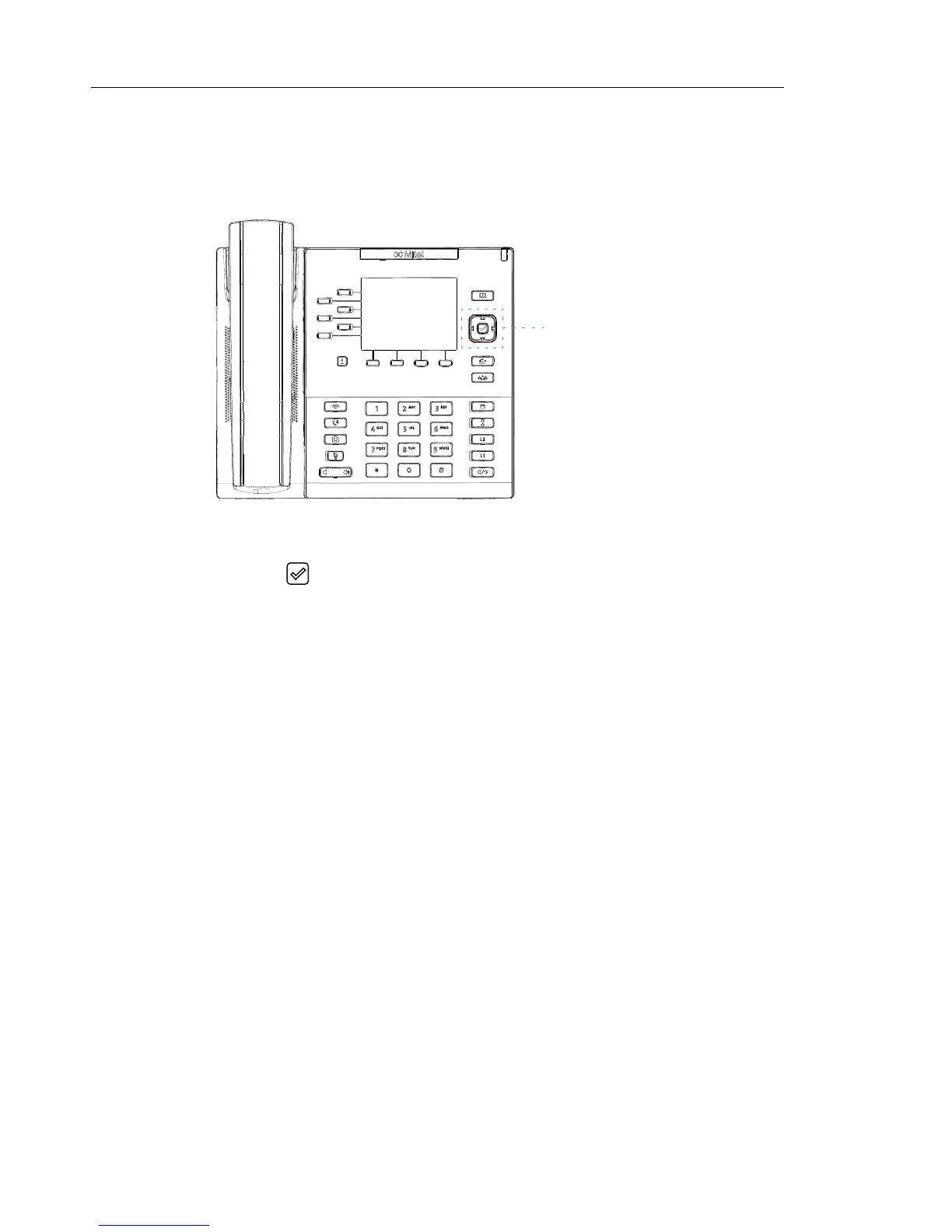
UI navigation is easily performed using the navigation keys located to the right of the LCD
screen.
The
3 and 4 navigation keys are used to switch to the different screens and the 5 and 2 keys
are used to highlight and scroll through the different lines/calls on the respective screen.
Pressing the center
button selects/sets options and performs various actions (such as
dialing out when in the DIrectory, Callers, and Redial Lists).
Navigation Keys/
Select Button



 To Next Page