Mitel 6867i SIP Phone Release 4.0.0 SP1 User Guide
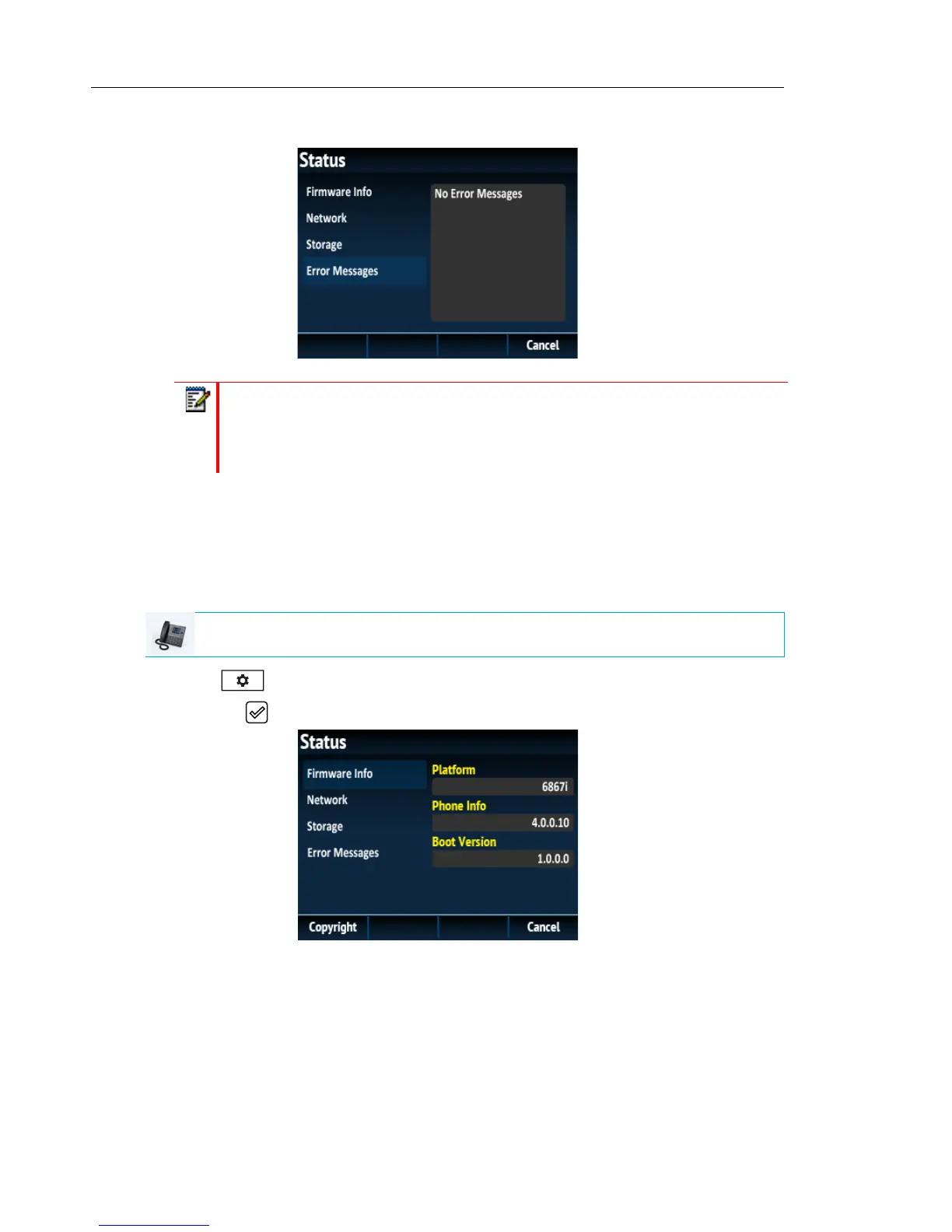
• Error Messages
FINDING YOUR PHONE’S IP ADDRESS
If you want to access your phone’s options using an Internet browser, you need to enter the IP
address of the phone in the browser to open the Mitel Web UI. Use the following procedure to
find your phone’s IP address.
1. Press to enter the Options List.
2. Press the button to enter the Status menu.
Notes:
1. Press the Copyright softkey to view copyright information.
2. The Status menu may also contain a section called Accessory Info. This section
details the firmware versions of all the accessories attached to your phone.
IP PHONE UI



 To Next Page