TRANSFERRING TO A CONTACT IN THE DIRECTORY
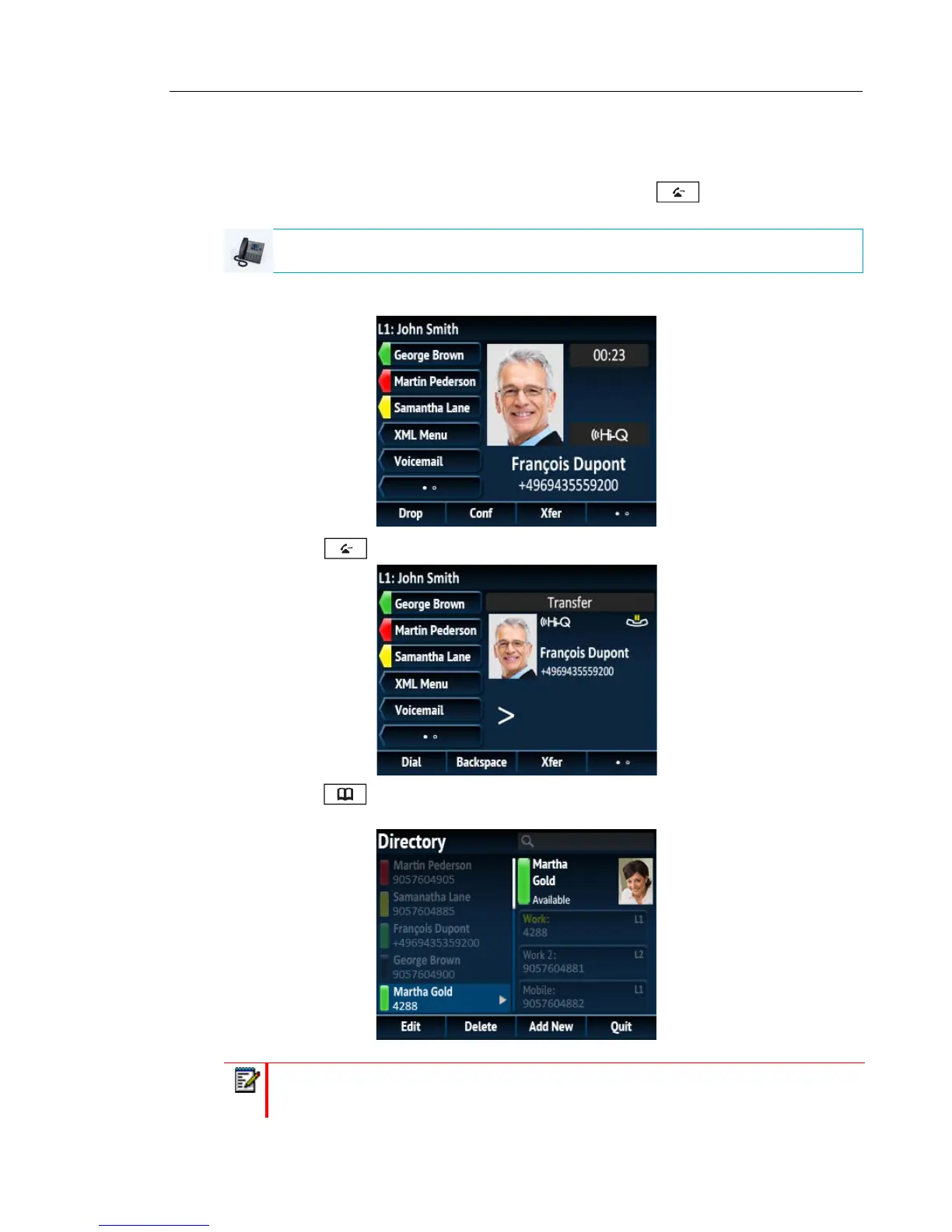
Users can complete a transfer to a contact in their local directory. If a user is in a call and initiates
a transfer, they can navigate to the Directory screen and use the
key to complete a blind
or consultative transfer.
1. Connect to Party 1 (if not already connected). Party 1 is the party you want to transfer.
2. Press the key or Xfer softkey.
3. Press the key and highlight a directory entry (or the desired number if the entry
contains more than one number).
IP PHONE UI
Note: If you have any additional Directory sources configured, you will need to first
navigate to the desired Directory folder and then highlight the respective entry or number.



 To Next Page