Mitel 6867i SIP Phone Release 4.0.0 SP1 User Guide
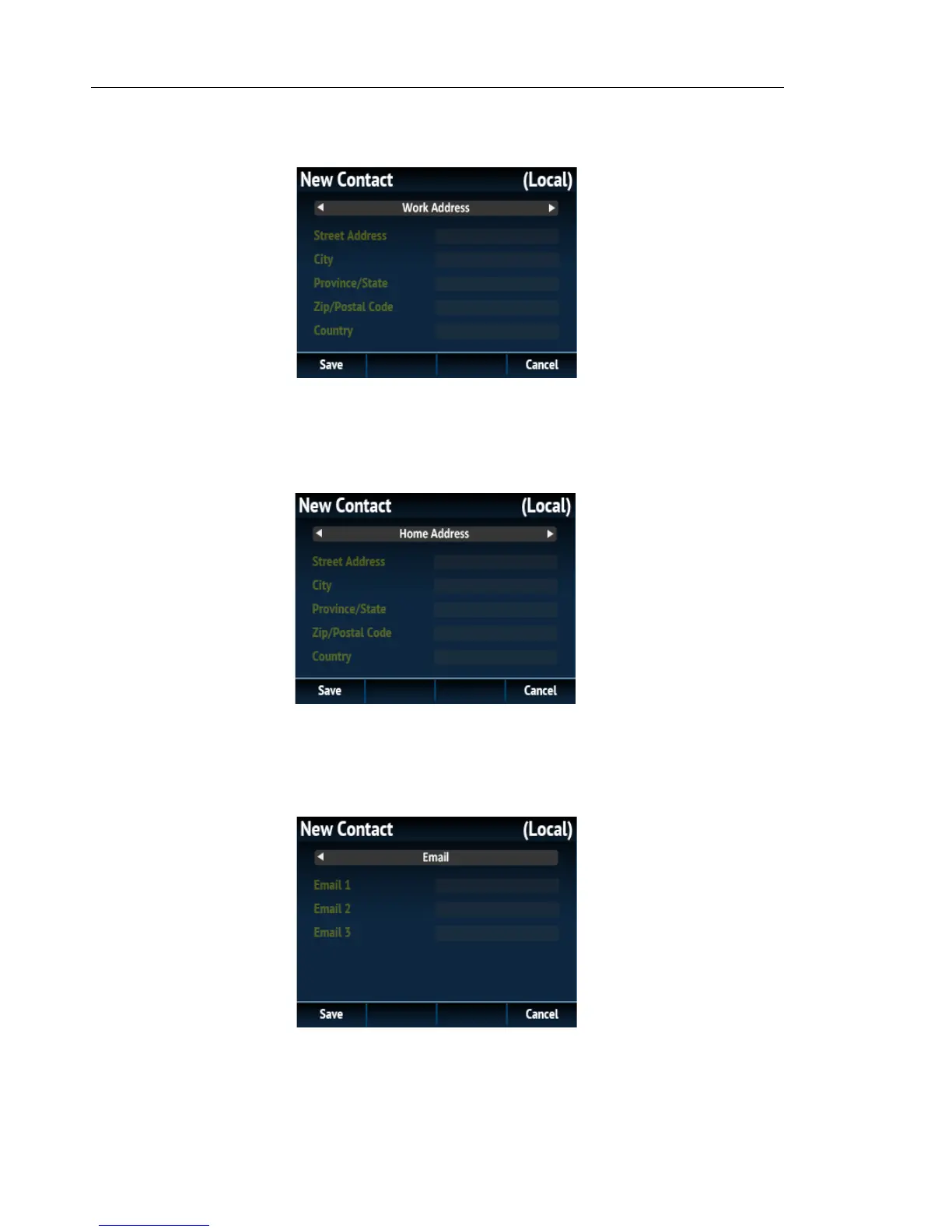
7. Under the Work Address tab, use the5 and 2 keys to navigate to the desired fields and
using the dialpad keys input the work address information of the respective contact.
8. Press the 5 key to navigate to the Work Address tab, and press the 4 key to switch to
the Home Address tab.
9. Under the Home Address tab, use the5 and 2 keys to navigate to the desired fields and
using the dialpad keys input the home address information of the respective contact.
10. Press the 5 key to navigate to the Home Address tab, and press the 4 key to switch to
the Email tab.
11. Under the Email tab, use the5 and 2 keys to navigate to the desired fields and using the
dialpad keys input the email address(es) of the respective contact.
12. Press the Save softkey to save your changes.



 To Next Page