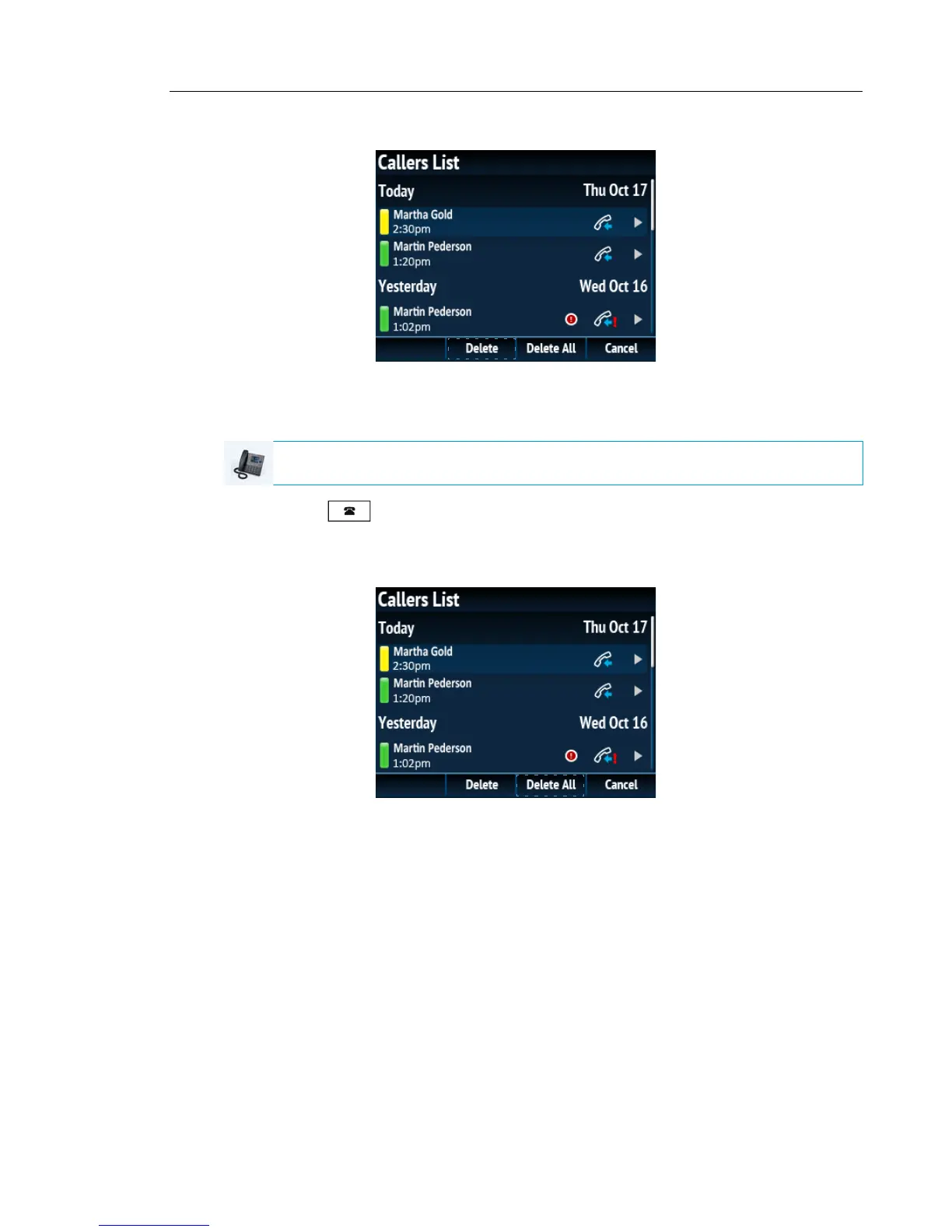
3. Press the Delete softkey.
4. Press the Delete softkey again to erase the entry.
To delete all entries from the Callers List
1. Press the key.
2. Use the 5 and 2 keys to scroll through the entries in the Callers List.
3. Press the Delete softkey.
4. Press the DeleteAll softkey to erase all items.
IP PHONE UI



 To Next Page