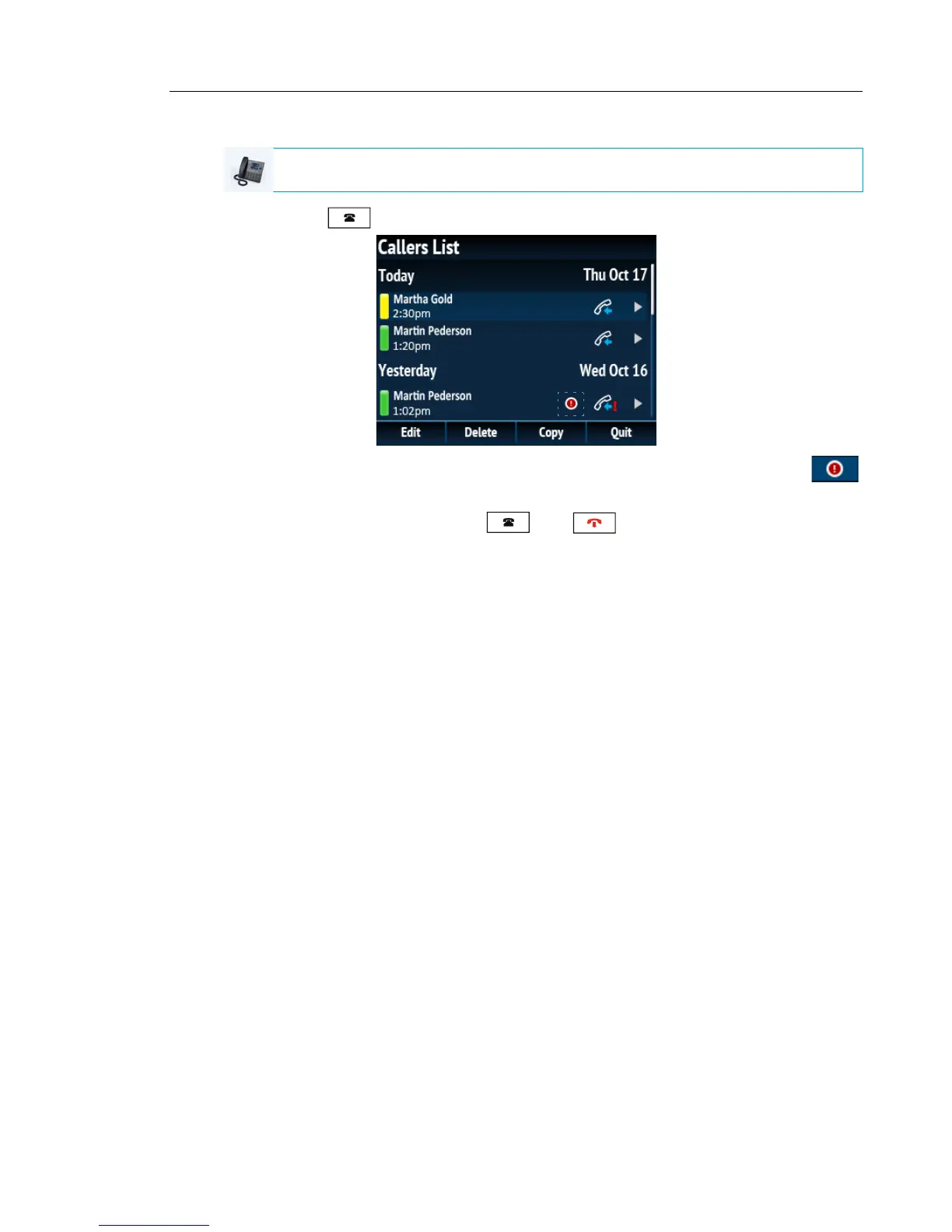
Viewing Missed Call Details in the Callers List
1. Press the key.
2. Use the 2 and 5 navigation keys to scroll through the entries in the Callers List. The
icon indicates a new missed call.
3. To exit the Callers List, press the key, key or the Quit softkey.
The missed calls message on the Home screen is cleared upon exit.
IP PHONE UI



 To Next Page