Mitel 6867i SIP Phone Release 4.0.0 SP1 User Guide
5. Press the 3 key to move to back to the options column and press the 2 key to highlight
Daylight Savings.
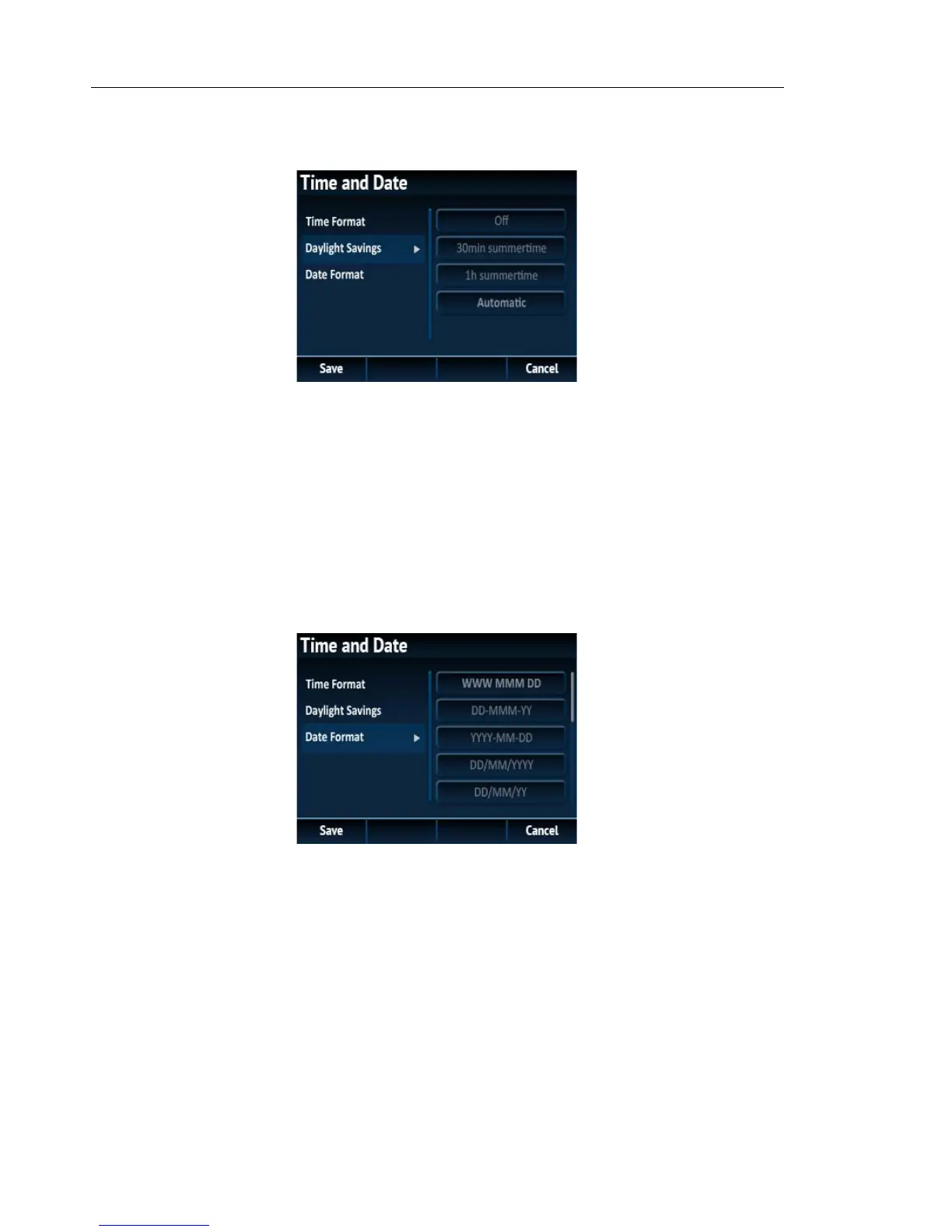
6. With Daylight Savings highlighted press the 4 key to move to selection column.
7. Use the 5 and 2 keys to scroll through and choose the desired daylight savings setting.
Valid values are:
•Off
• 30 min summertime
• 1h summertime
• Automatic (default)
8. Press the 3 key to move to back to the options column and press the 2 key to highlight
Date Format.
9. With Date Format highlighted press the 4 key to move to selection column.
10. Use the 5 and 2 keys to scroll through and choose the desired date format. Valid values are:
• WWW MMM DD (default)
• DD-MMM-YY
• YYYY-MM-DD
• DD/MM/YYYY
• DD/MM/YY
• DD-MM-YY
• MM/DD/YY



 To Next Page