Mitel 6867i SIP Phone Release 4.0.0 SP1 User Guide
2. At the Enter Unlock Password prompt, enter your user password and press the Enter
softkey or button.
3. At the Unlock the phone? prompt, press the Unlock softkey or navigate to the Yes button
and press the button.
CONFIGURING LOCK SETTINGS USING THE MITEL WEB UI
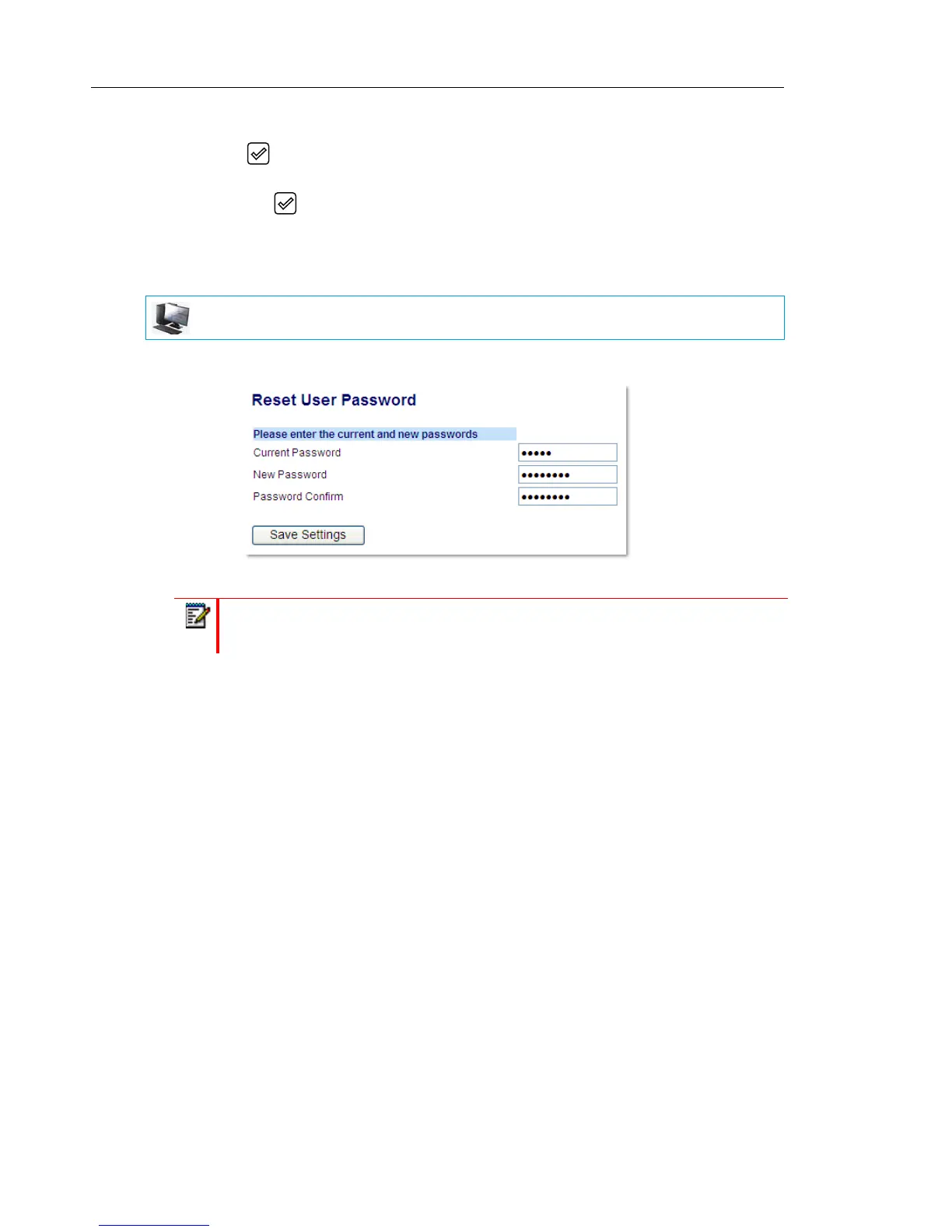
Setting a User Password
1. Click on Operation > User Password.
2. In the Current Password field, enter the current user password.
3. In the New Password field, enter the new user password.
4. In the Password Confirm field, enter the new user password again.
5. Click Save Settings.
MITEL WEB UI
Note: By default, the user name is user (all lowercase) and the password field is left
blank.



 To Next Page