Mitel 6867i SIP Phone Release 4.0.0 SP1 User Guide
3. Use the 5 and 2 keys to scroll through and highlight the desired audio mode. Valid values
are:
• Speaker (default)
• Headset
• Speaker/Headset
• Headset/Speaker
4. Press the Save softkey to save your changes.
HEADSET
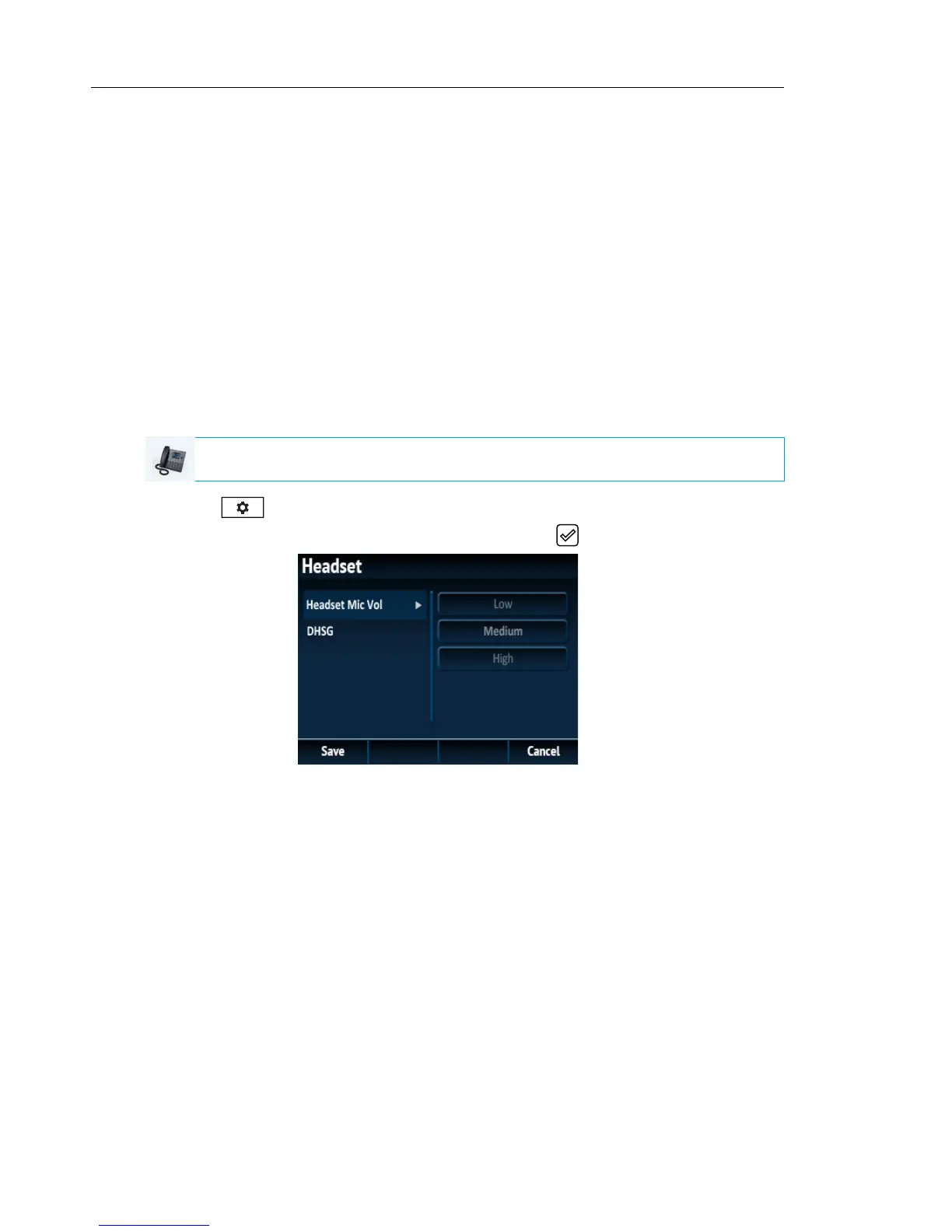
The Headset option allows you to set the volume level for the headset microphone and also
allows you to enable/disable DHSG.
Configuring Headset Mic Volume and DHSG Using the IP Phone UI
1. Press on the phone to enter the Options List.
2. Navigate to the Audio > Headset option and press the button or Select softkey.
3. With Headset Mic Vol highlighted press the 4 key to move to selection column.
4. Use the 5 and 2 keys to scroll through and choose the desired volume setting. Valid values
are:
•Low
• Medium (default)
• High
IP PHONE UI



 To Next Page