Mitel 6869i SIP Phone Release 4.0.0 SP1 User Guide
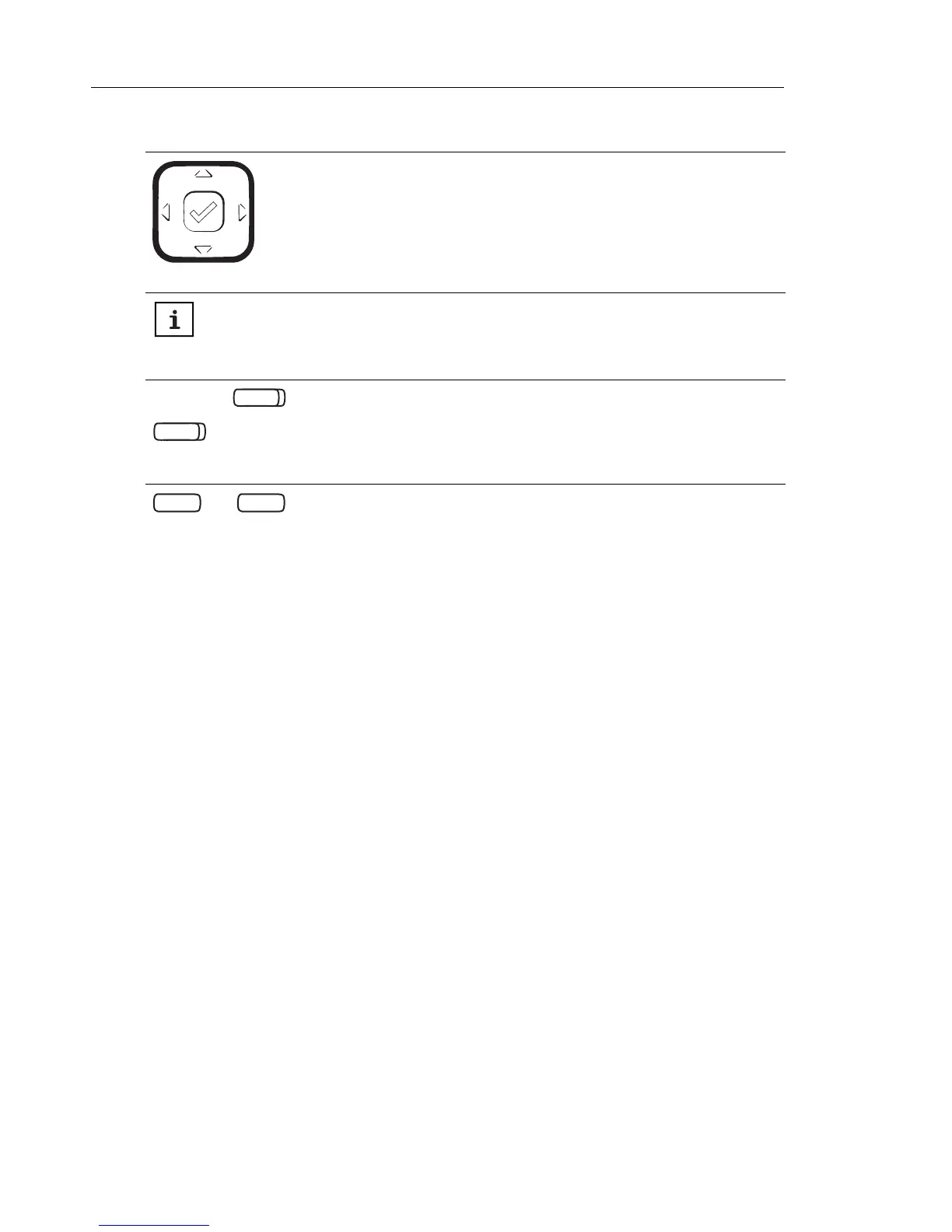
Navigation Keys/Select Button - Multi-directional navigation keys allow you
to navigate through the phone’s user interface. Pressing the center Select
button selects/sets options and performs various actions (such as dialing out
when in the Directory, Callers, and Redial Lists).
For more information, see “UI Navigation” on page 22.
Presence Key - Accesses the partial and full contact presence information
screens, which provide more detailed information about the selected contact.
For more information see “Presence Key” on page 77.
Top Softkeys - 12 programmable keys that allow you to easily perform up to
44 specific functions and access enhanced services provided by third parties
(e.g. XML applications).
For more information see “Configuring Softkeys” on page 79.
Bottom Softkeys - 5 programmable keys that support up to 24 functions.
These keys also act as state-based keys allowing you to easily perform
context-sensitive functions during specific states (i.e. when the phone is an
idle, connected, incoming, outgoing, or busy state).
For more information see “Configuring Softkeys” on page 79.
KEY DESCRIPTION



 To Next Page