Mitel 6869i SIP Phone Release 4.0.0 SP1 User Guide
USING THE PRESENCE KEY
1. While on the Home Screen, press the key.
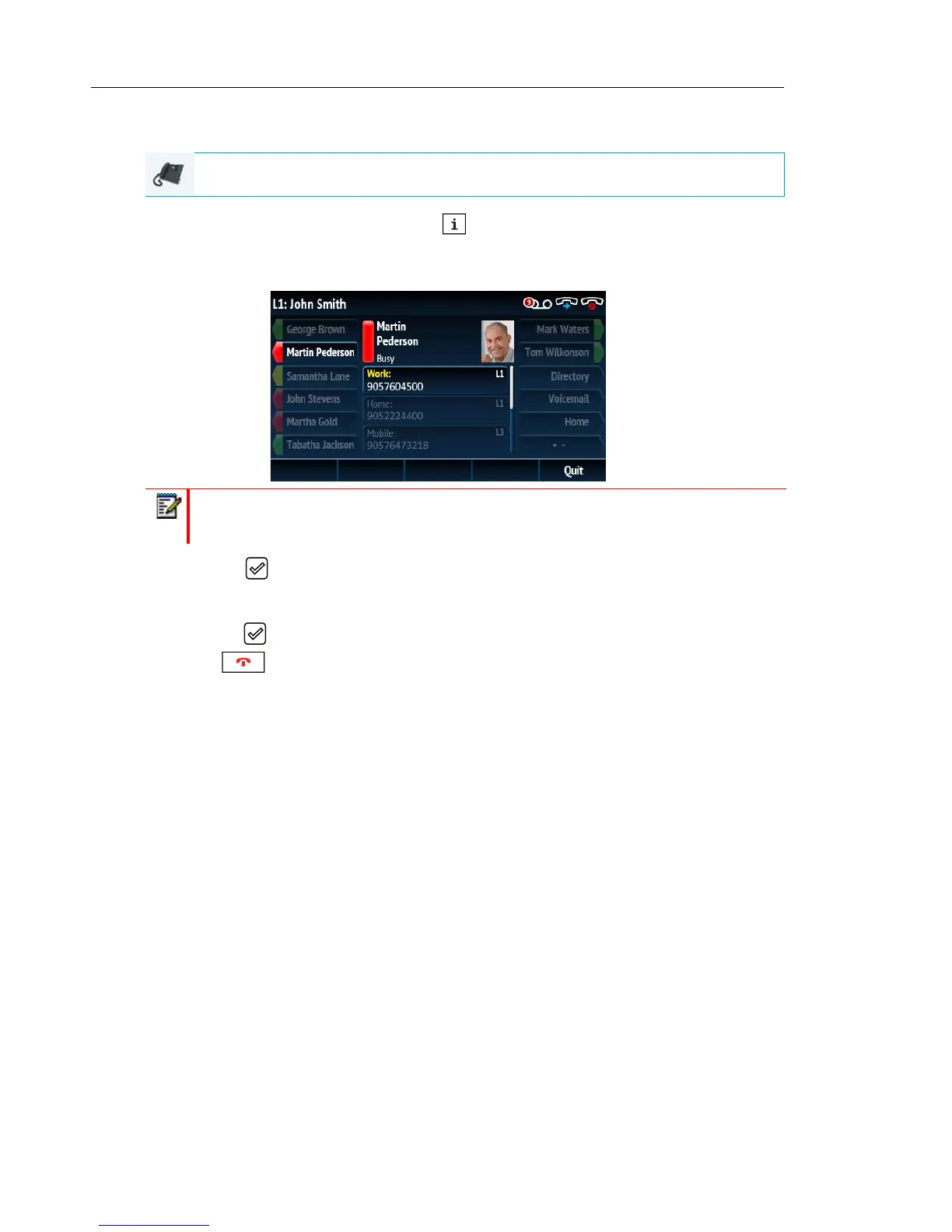
2. Press a top softkey that is configured with BLF or Speed Dial functionality.
The contact information screen will be displayed.
3. Press the button to place a call using the contact’s default phone number.
If you would like to place a call to a different phone number attached to the contact (if
applicable), highlight the desired phone number using the 5 and 2 navigation keys, and
press the key.
4. Press
or the Quit softkey at any time to exit.
IP PHONE UI
Note: To switch to another contact, simply press the desired BLF or Speed Dial softkey.



 To Next Page