Mitel 6869i SIP Phone Release 4.0.0 SP1 User Guide
UI OVERVIEW
HOME SCREEN
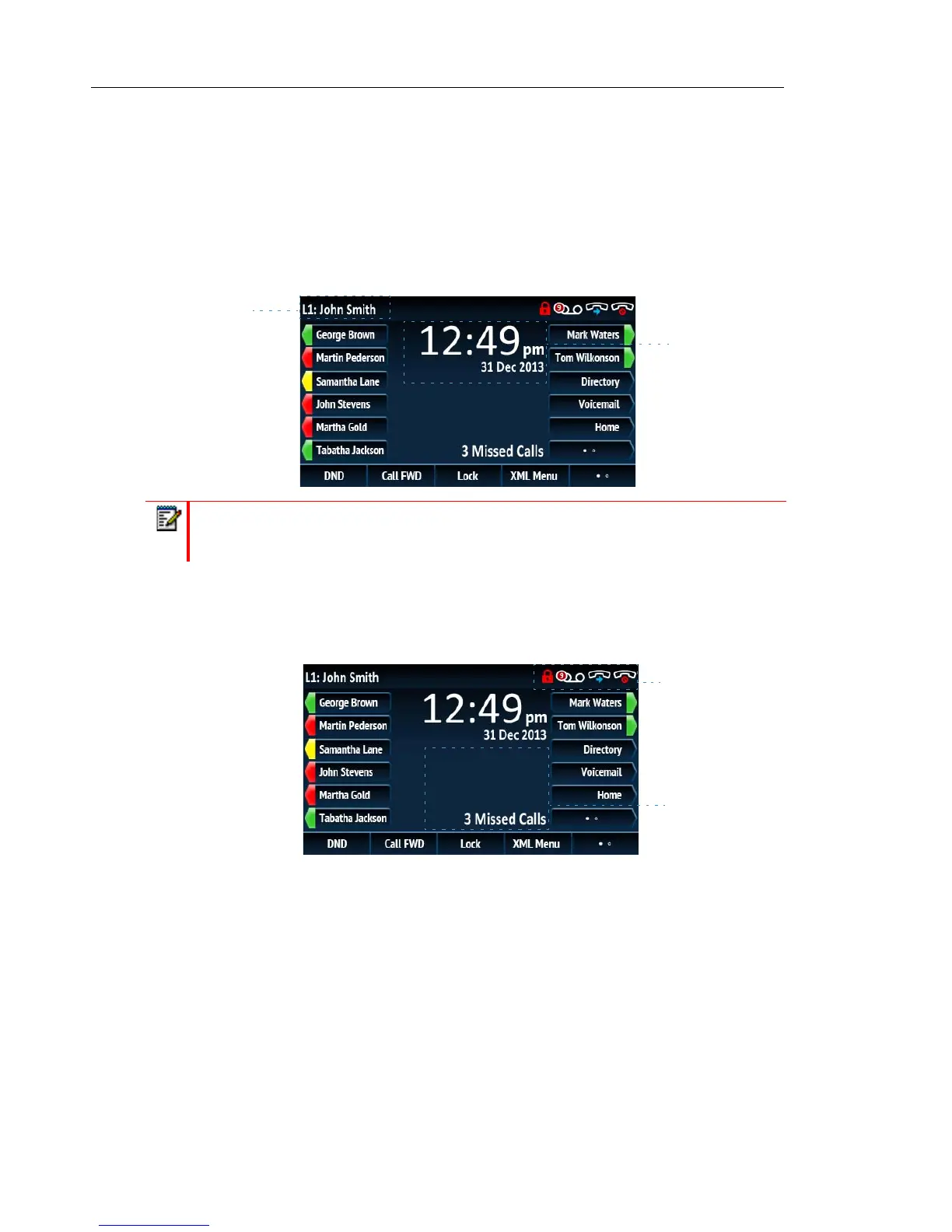
When the phone has successfully updated the configuration and connected to the network, the
phone displays the Home screen. The Home screen displays the current line, your name (SIP
screen name), the date and time, and various important status messages. It is the default screen
displayed when the phone is in an idle state.
Phone/Line Status Indicators and Messages
There are icons that display on the phone to indicate the status of the phone and/or the status
of the line. These icons display on the upper right corner of the Home screen.
Note: Your System Administrator should have configured your SIP screen name, line
number, and any other administrative features required. If your name does not display
on the screen, contact your System Administrator.
Date and Time
Line and Name
Status indicators
Status Messages



 To Next Page