SWITCH UI FOCUS TO RINGING LINE
You can configure a feature on the 6869i that controls the behavior of the phone when it receives
an incoming call when it is already in a connected call. When a call comes into the phone, and
the phone is already on a connected call, the phone switches focus to the ringing line to enable
the user to see who is calling them. You can turn off this functionality so that the phone stays
focused on the connected call. You can do this using the Switch Focus to Ringing Line
parameter in the Mitel Web UI.
CONFIGURING SWITCH FOCUS TO RINGING LINE
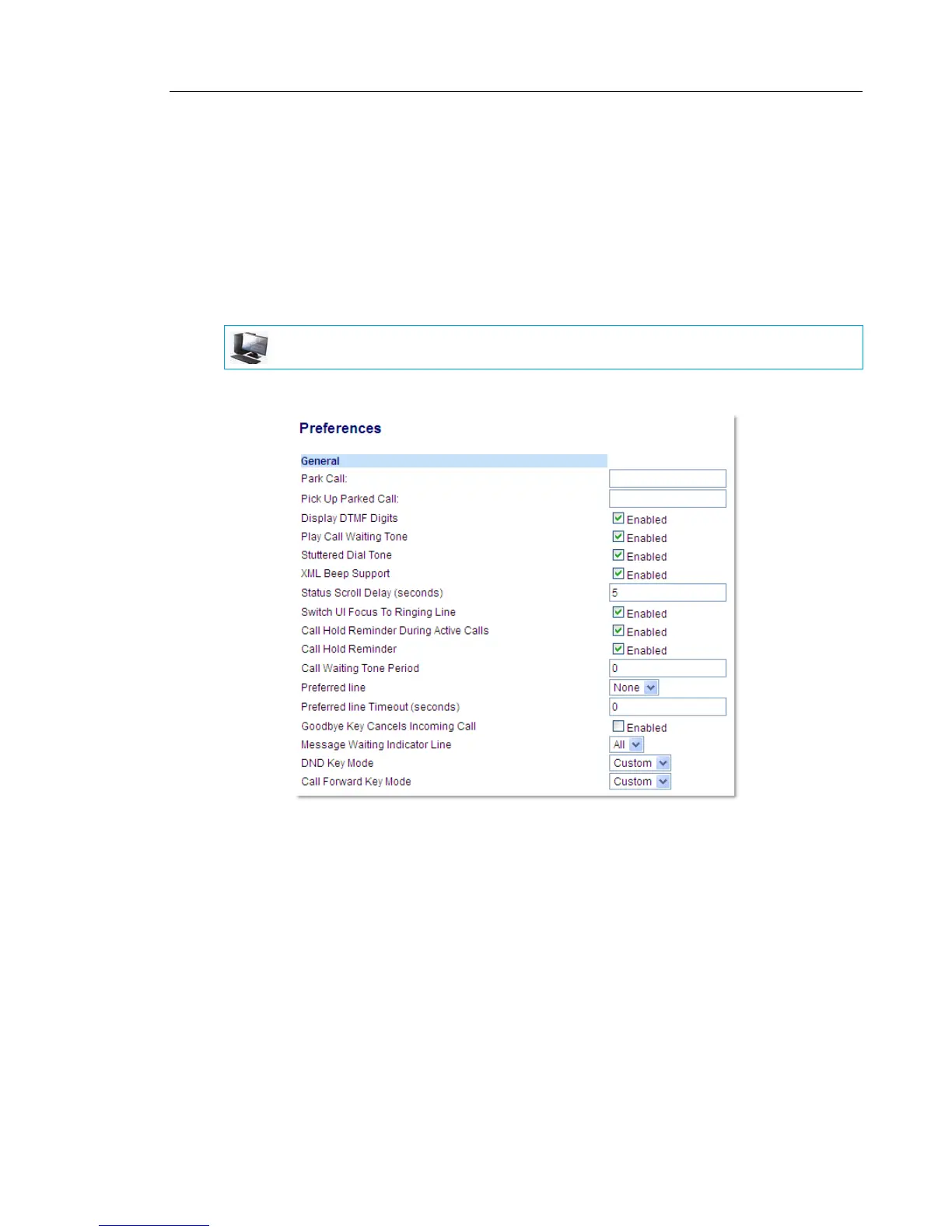
1. Click on Basic Settings > Preferences > General.
2. The Switch Focus to Ringing Line field is enabled by default. To disable this field, uncheck
the box.
3. Click Save Settings to save your settings.
MITEL WEB UI



 To Next Page