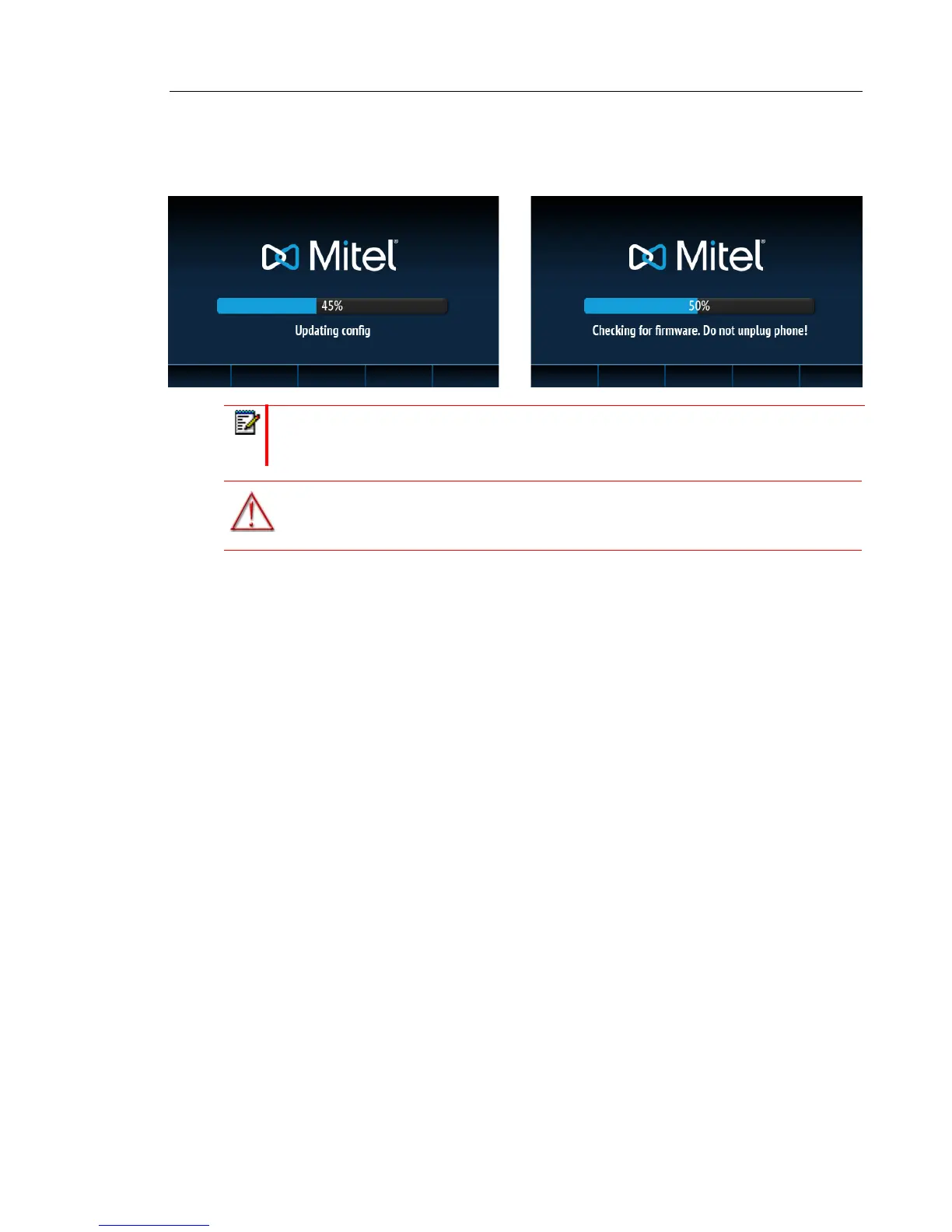
The 6869i phone then checks settings and looks for new configuration and firmware updates
from a configuration server. This may take a few moments while the phone downloads the latest
updates.
Note: New updates to your phone can be automatically scheduled from the server. This
is set up on the phone system by your System Administrator and should be scheduled
during non-business hours or slow call periods.
WARNING: DO NOT UNPLUG OR REMOVE POWER TO THE PHONE WHILE IT
IS CHECKING OR INSTALLING FIRMWARE AND CONFIGURATION
INFORMATION.



 To Next Page