Mitel 6869i SIP Phone Release 4.0.0 SP1 User Guide
EDITING ENTRIES IN THE CALLERS LIST
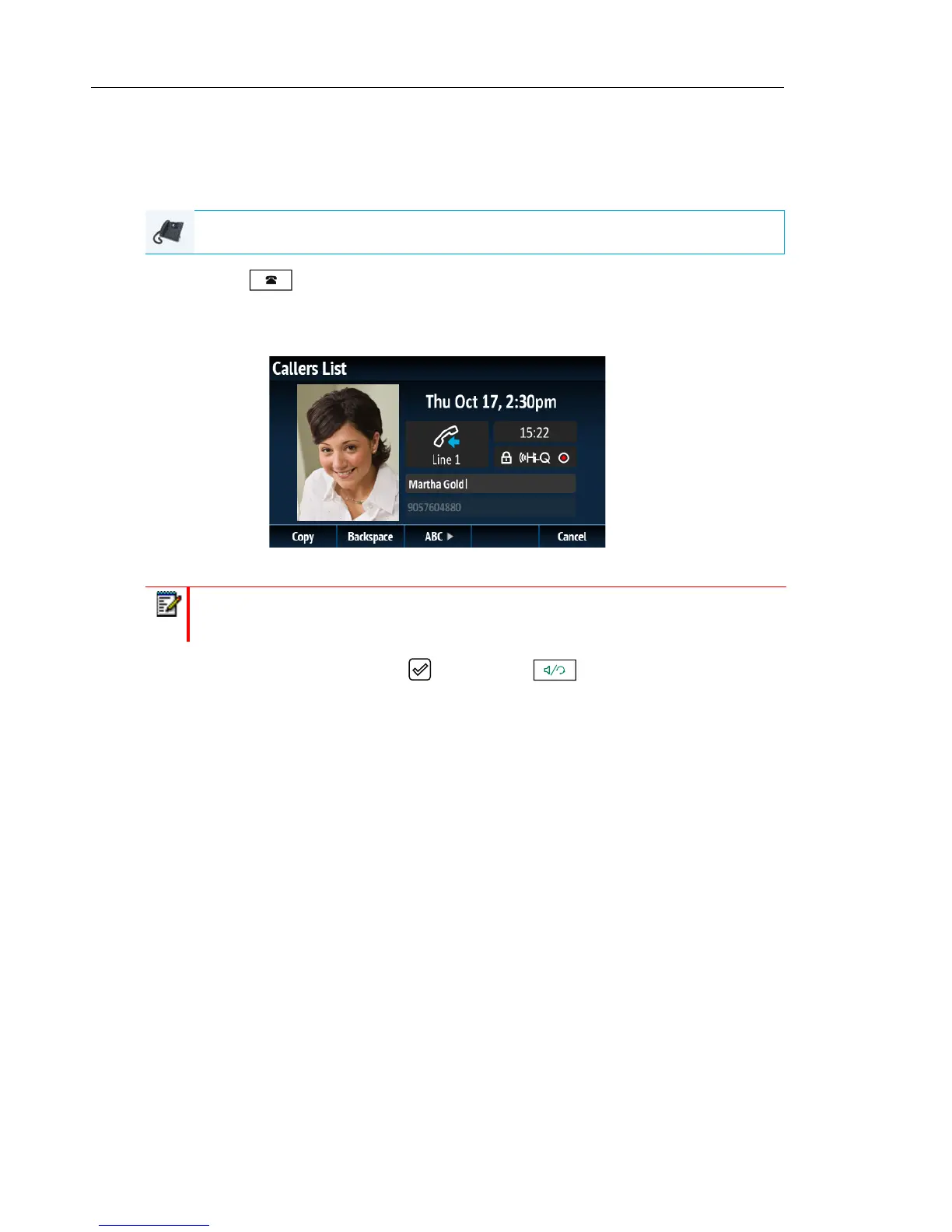
In the Callers List, pressing the Edit softkey allows you to edit the entry’s name and/or number
prior to dialing out or copying to the Local Directory.
1. Press the key.
2. Use the 5 and 2 keys to scroll through the entries in the Callers List.
3. Press the Edit softkey.
4. Using the dialpad keys, edit the name and/or number.
5. To dial the new number, press the button, press , lift the handset, or press any
of the line keys
or
6. To copy the new number to the Local Directory, press the Copy softkey.
IP PHONE UI
Note: To move the cursor one digit/character to the right, press the 4 navigation key.
To erase one digit/character to the left of the cursor, press the Backspace softkey.



 To Next Page