Mitel 6869i SIP Phone Release 4.0.0 SP1 User Guide
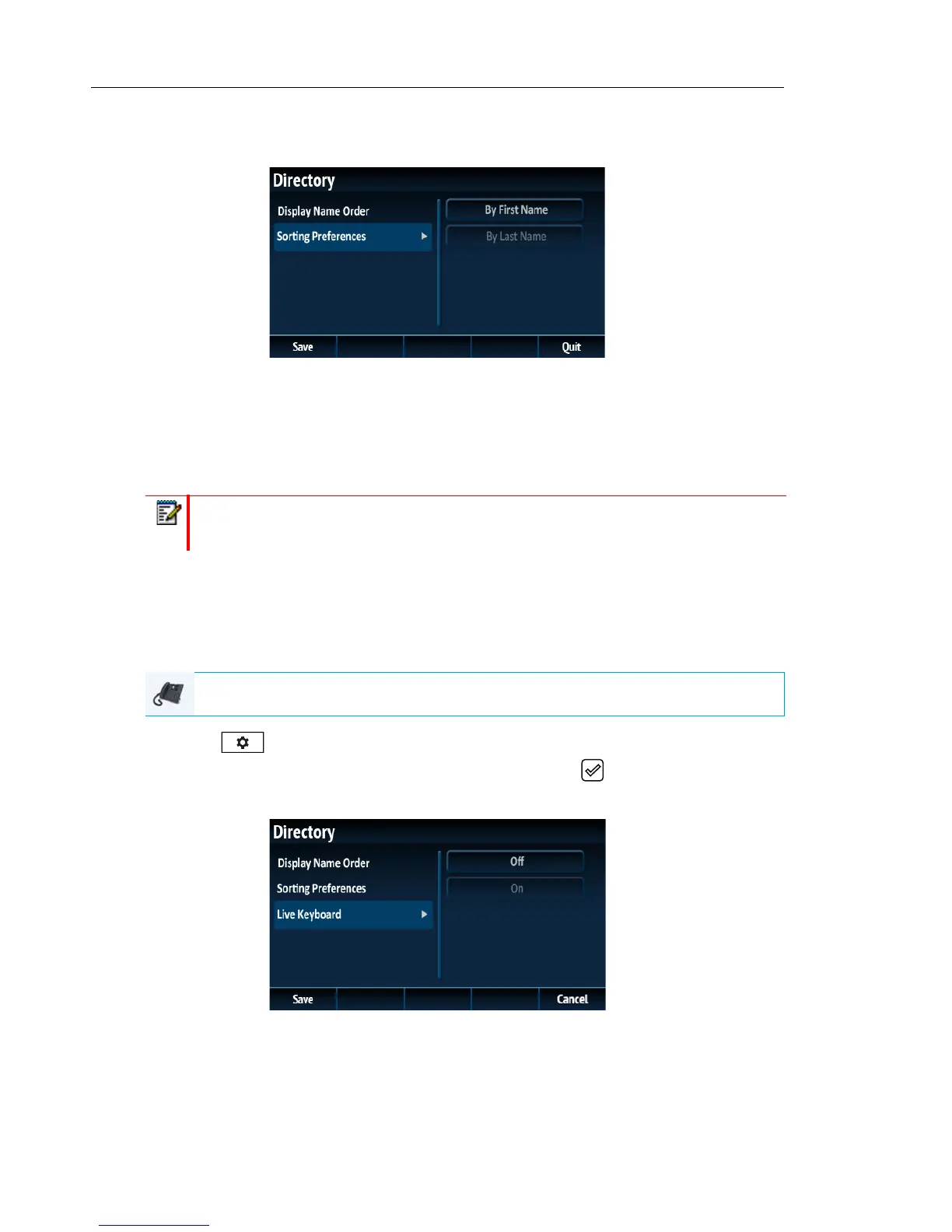
5. Press the 3 key to move to back to the options column and press the 2 key to highlight
Sorting Preferences.
6. With Sorting Preferences highlighted press the 4 key to move to selection column.
7. Use the 5 and 2 keys to and choose the desired sorting preference.
8. Press the Save softkey to save your changes.
Enabling/Disabling Live Keyboard
When the phone is in an idle state and a alphabetic character key on an attached K680i keyboard
is pressed, the default behavior of the phone is to simply wake up (if the phone is dimmed or
displaying the screensaver). Users have the option to enable the Live Keyboard feature, which,
in addition to waking up the phone (if applicable), will launch the Directory search function in
such scenarios
1. Press on the phone to enter the Options List.
2. Navigate to the Directory > Settings option and press the button or Select softkey.
3. Use the 2 key to scroll down and highlight the Live Keyboard setting.
4. Press 4 to move to the selection column.
5. Use 5 the 2 keys to enable (On) or disable (Off) the Live Keyboard feature.
6. Press the Save softkey to save your changes.
Note: This setting is only available if a K680i keyboard is attached to the phone.
IP PHONE UI



 To Next Page