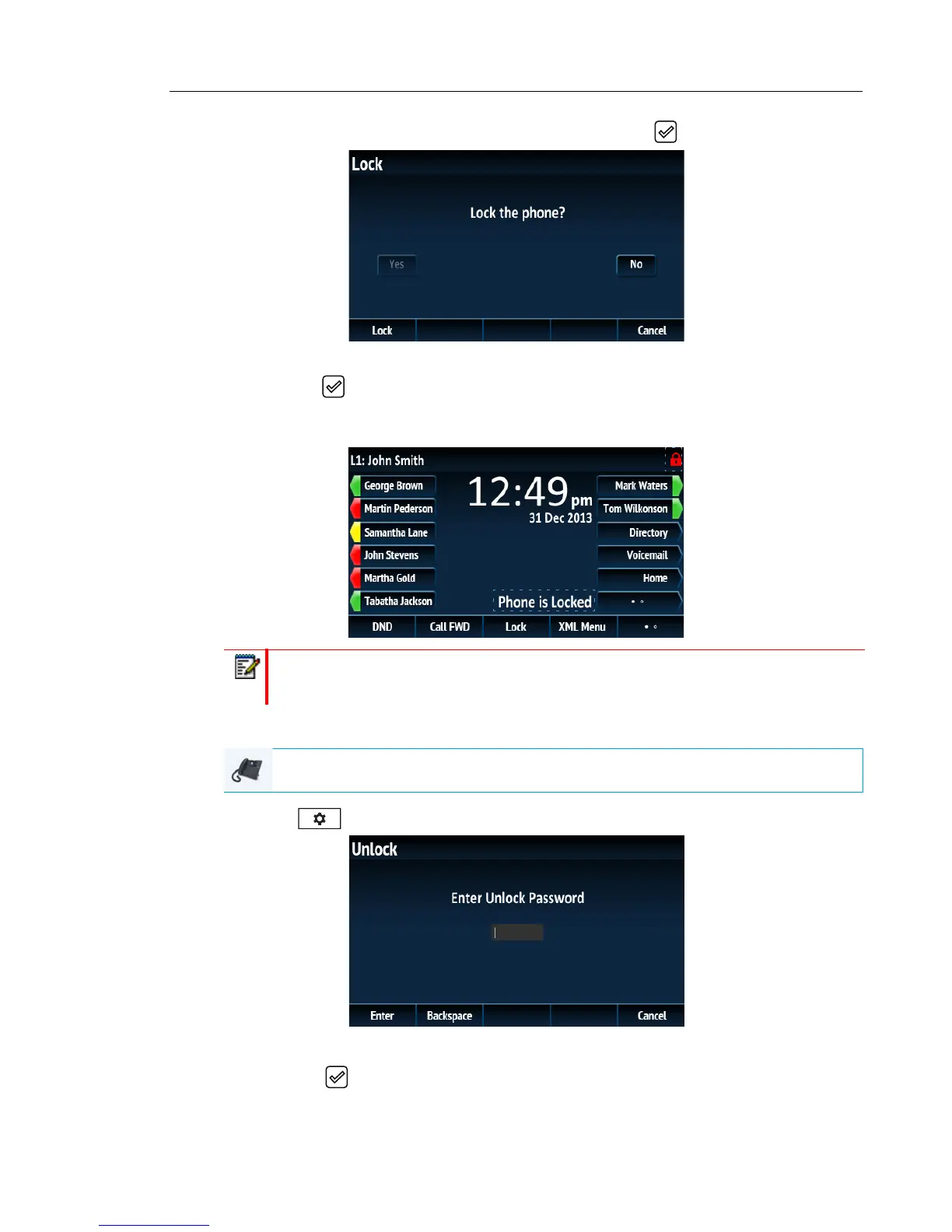
2. Navigate to the Lock > Phone Lock option and press the button or Select softkey..
3. At the Lock the phone? prompt, press the Lock softkey or navigate to the Yes button and
press the button.
The message Phone is locked and lock icon displays on the Home screen. Additionally
the Message Waiting Indicator (MWI) will turn on.
Unlocking the Phone Using the IP Phone UI
1. Press on the phone to enter the Options List (or press a configured Unlock softkey).
2. At the Enter Unlock Password prompt, enter your user password and press the Enter
softkey or button.
Note: Alternatively, if configured, you can lock the phone by simply pressing a Lock
softkey.
IP PHONE UI



 To Next Page