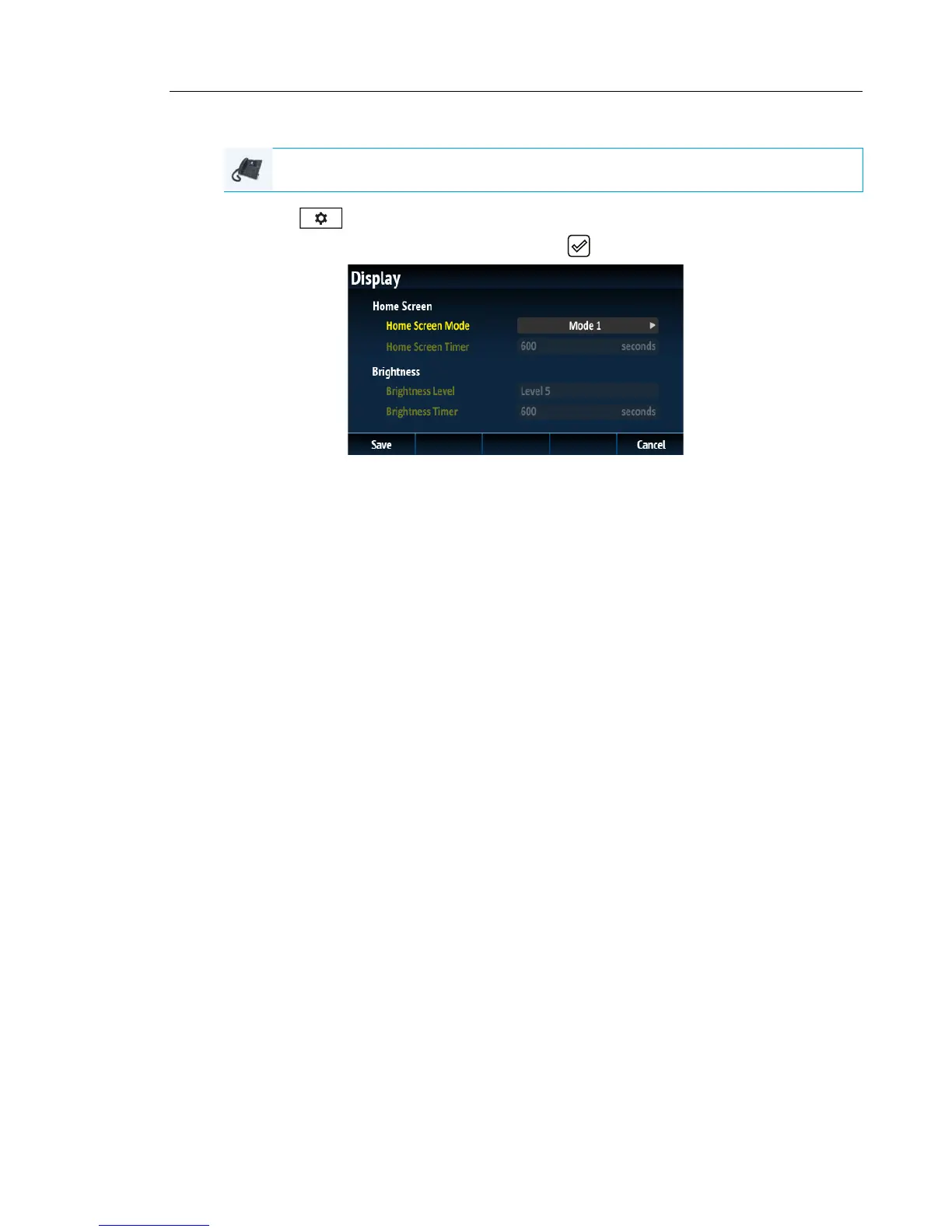
Setting the Brightness Level and Timer Using the IP Phone UI
1. Press on the phone to enter the Options List.
2. Navigate to the Display option and press the button or Select softkey.
3. Press the 2 key twice to highlight Brightness Level.
4. Use the 3 and 4
navigation buttons to increase or decrease the intensity of brightness
on the LCD.
5. Press the 2 key to highlight Brightness Timer.
6. Enter a value, in seconds, using the dialpad keys. You can set the timer from 1 to 7200
seconds. Default is 600 (10 minutes).
7. Press the Save softkey to save your changes.
IP PHONE UI



 To Next Page