Reception phone
Mitel 6940 SIP 115
eud-1765/2.0 – R6.0 – 06.2018
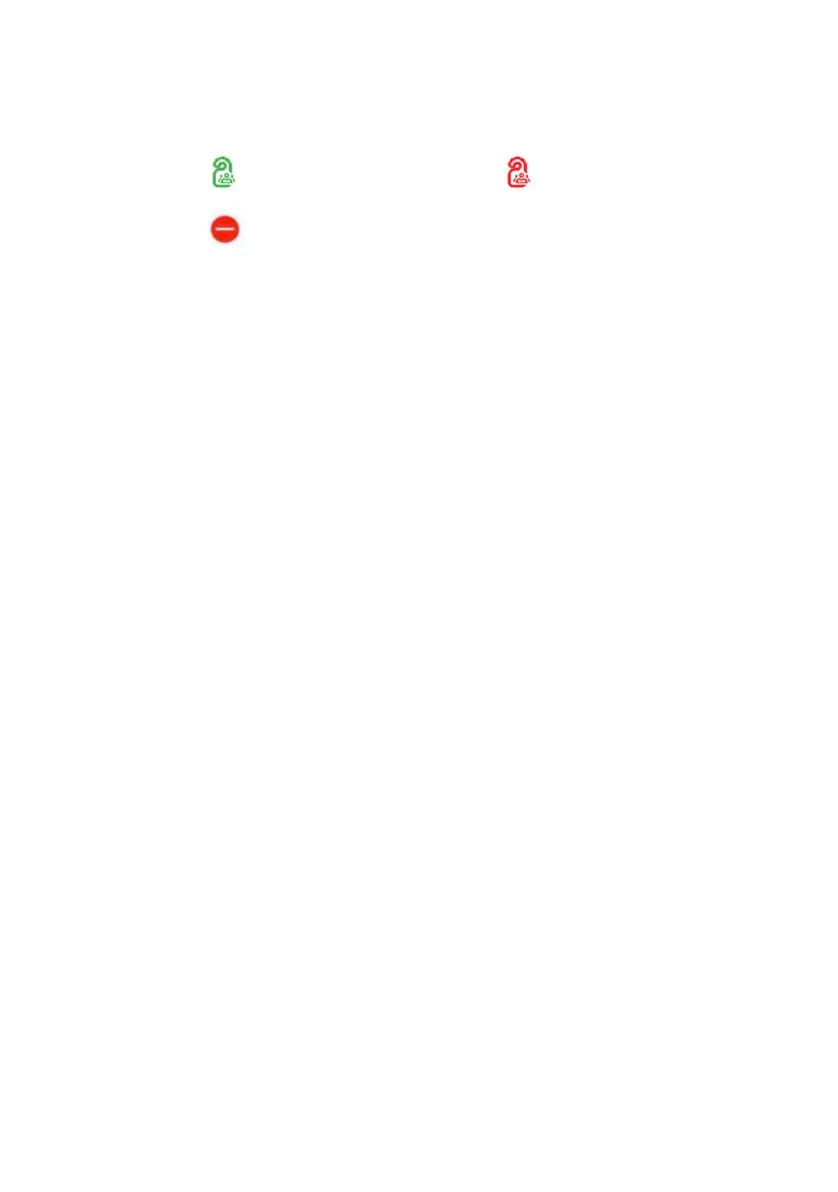
The reception phone supports room keys, which display two icons, one on
the left, and one on the right. These icons show the occupancy state, and
do not disturb on the left and another piece of information on the right in
the following priority order: expired wake-up calls, message notification,
and cleaning status (if available).
Your reception phone offers a Reception menu, which has the following
entries:
• Room list: Shows the room state (along with other relevant information)
of all rooms configured in the communication server. (one line per
room).
• Check-in/Check-out: Enter the room number to display the check-in or
check-out screen depending on the room state.
• Room configuration: Type in the room number to go to the room-config-
uration window. In the room-configuration window, you can view or
modify all the settings for the room.
• Wake-up calls: This option displays the list of all wake-up calls showing
entries in chronological order, with expired calls at the top. You can set
up a new wake-up call, manage a wake-up call, or delete an expired or
existing wake-up call.
• Notifications: This option displays the list of active notifications. You can
add new notifications or delete existing ones.
• Do not disturb: This option displays the list of rooms which have do not
disturb activated. You can enable or disable do not disturb for a room.
• Print a bill: This option is for printing the bill (call charges only) of the
last guest checked-out from the room or the current guest staying in the
room. Enter the room number for which you want to print the bill.
Function keys and room keys
You get a better overview and can serve your guests quicker if you use
your reception phone with at least one expansion key module. You can
configure the room keys and the hospitality function keys on your phone as
well as on the expansion key module attached to your phone.
Room free for a group Room occupied by a member
of a group
Do not disturb
Icon Description Icon Description



 To Next Page