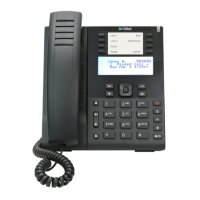
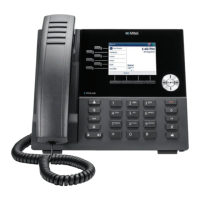
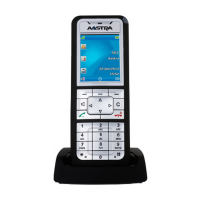
Reception phone
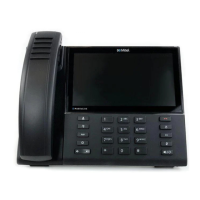
Mitel 6940 SIP 119
eud-1765/2.0 – R6.0 – 06.2018
Enter the room number of the room for which you want to set the wake-up call
and confirm by pressing Ok.You can use the Room list key to search for the
room.
➔ The phone displays the screen for entering the wake-up time.
Enter the wake-up time and confirm by pressing Ok. Note that the default
time (07:00:00 or 07:00:00 AM) is shown as the initial value.
➔ The phone displays the details of the wake-up call.
Press Ok to return to the list of wake-up calls.
Modify wake-up call
To modify an existing wake-up call, press the Wake-up call function key or go
to Reception menu > Wake-up calls on the reception phone.
➔ The phone displays a list of wake-up calls in chronological order with
expired calls at the top.
Select the wake-up call you want to modify and press Modify. The phone dis-
plays the screen with the following options: Wake-up call: On/Off, Time, and
Daily: On/Off, with Time selected by default.
➔Press Modify to modify the wake-up call time. Enter the new value and
press Ok to confirm. The modified wake-up call is now saved.
➔If you want to modify the wake-up call on a daily basis, select Daily and
press the key Modify. Select the boolean value On or Off for Daily respec-
tively to enable or disable the daily wake-up call.
➔To enable or disable the wake-up call, select Wake-up call and press Mod-
ify. Select the boolean value On or Off respectively to enable or disable the
wake-up call.
➔Alternately, press the Delete softkey to delete the wake-up call. This is
similar to changing the wake-up call state from On to Off.
Note: When modifying the time of an existing wake-up call, the time currently set is
shown as the initial value. In the screen displayed for modifying a wake-up
call, the Time field is selected by default.
Delete wake-up call
Press the Wake-up call function key or go to Reception menu > Wake-up calls
on the reception phone.
➔ The phone displays the list of wake-up calls in chronological order with
expired calls at the top.
Select the wake-up call you want to delete.


 To Next Page