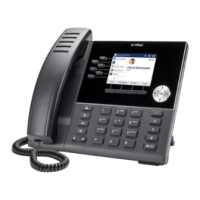
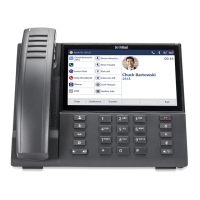
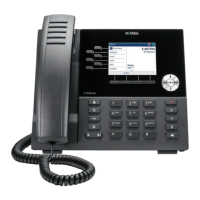
Reception phone
Mitel 6940 SIP 121
eud-1765/2.0 – R6.0 – 06.2018
Note: If two wake-up calls expire at the same time, the expired wake-up calls are
displayed in random order.
Notification service
A guest wants to be informed about events taking place in his absence or
have voice mail messages set even if the guest is in the room.
You can set a notification service for each guest (provided there is a phone
in the guest’s room and the phone supports the notification service).
When there is information for the guest, the main LED on the room phone
is lit and so is the LED of the message key. The guest presses the precon-
figured message key to find out the reason for the message LED being lit,
a call is triggered to the reception phone or voice message is played.
When the following events take place, the main LED of the room phone is
lit, and the Message LED flashes so that the guests are informed about the
pending notification:
• New messages in the voice-mail box
• A message (notification) at the front or back desk
Manage expired wake-up calls
As a receptionist, you set a wake-up call for your guests.
➔ The room telephone rings (for a maximum of four times with an interval of two
minutes) at the time the wake-up call is configured for. Note that for each
wake-up call attempts, the phone rings five times and the interval between
consecutive wake up calls is two minutes. These values are not configurable
and are set by the system. The number of wake-up calls repetition can be
configured to be between one and four. The default value is three.
➔ If the call is not answered, the wake-up call expires.
➔ The reception phone is notified about the expired wake up call. The phone
plays a beep and displays the expired wake-up call information.
➔ You can take appropriate steps (either press Ok to return to the home
screen, or press Call room to speak to the guest or press Delete to delete the
wake-up call).
If a guest does not answer a wake-up call, the reception phone displays the sta-
tus line Wake-up call expired. If the wake-up call softkey is configured on the
reception phone, a red border appears around the softkey.
➔ On accessing the Wake-up calls list, the phone displays a list of wake-up
calls in chronological order with expired calls at the top.


 To Next Page