122 Mitel 6940 SIP
eud-1765/2.0 – R6.0 – 06.2018
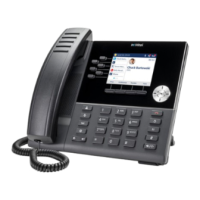
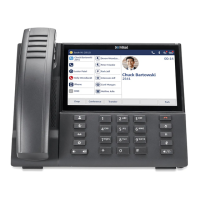
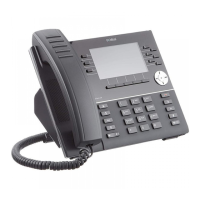
Reception phone
• A message (notification) from the PMS
• A message in the hospitality manager
Note: There can be more reasons for the LED to be lit. The reasons, why the
LED is lit, are displayed on the reception phone. You, as a receptionist,
can see these reason why the LED is lit, but can not make any changes
except to the notifications from the reception phone.
The PMS interface supports activating or deactivating the message notifi-
cation alert for a guest's room. If the PMS sets the notification alert for a
guest's room to On, the reception phone and the hospitality manager are
notified of the status.
If the link with the PMS interface is lost, a pop-up appears on the reception
phone alerting the receptionist that the PMS interface is out of service and
will not function unless the issue is resolved. Contact the system adminis-
trator for more information.
Activate message notification
Press the notification softkey or go to the Menu > Reception menu > Notifi-
cations on the reception phone.
➔ The phone displays a list of rooms with active notifications.
➔ Select the room to see the details of the room notifications.
Press the key Add.
➔ The phone displays the screen for entering the room number.
Enter the room number of the room for which you want to set the notification.
Press Ok to confirm.
➔ Alternately, you can use the Room list key to search for the room.
➔ Room list displays a list of all rooms together with their notification state.
➔ Select the room.
➔Once the room is selected, a screen appears with the details of the room
notifications.
Press Yes to confirm the notification activation.
➔ The notification function is activated.
➔ The LED is lit on the room telephone to inform the guest whenever there
is a message notification.
➔The LED of the message function key, if there is one configured on the
room telephone, is lit.


 To Next Page