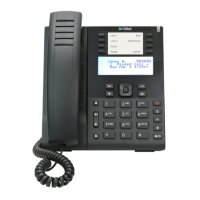
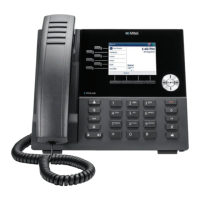
Reception phone
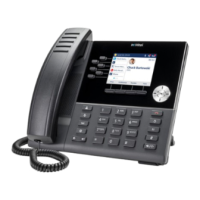
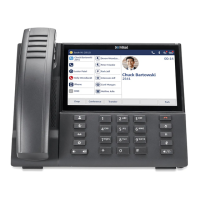
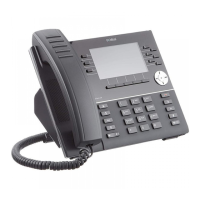
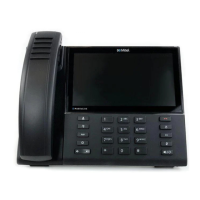
Mitel 6940 SIP 123
eud-1765/2.0 – R6.0 – 06.2018
Note: Notification service is also available through the menu: Menu > Reception
menu > Room configuration > Enter room number > Notification.
Do not disturb (DND) service
Your guests do not want to receive any calls for the time being. You, as a
receptionist, can activate the do not disturb service for each guest (pro-
vided there is a phone in the guest’s room and the phone supports the do
not disturb service).
Delete message notification
Once the guest is informed about the message notification, as a receptionist,
you can delete the notification for that room.
Press the notification softkey or go to the Menu > Reception menu > Notifi-
cation on the reception phone.
➔ The phone displays a list of notifications.
➔ Select the room for which you want to delete a notification.
Press Delete.
➔ The notification is deleted.
Or,
Press a softkey for the room or select a room from the Room list. Press Noti-
fication and select Off.
➔ The notification is deleted.
Manage notifications while in a call with a guest
Press the notification function key or go to Menu > Reception menu > Notifica-
tions on the reception phone.
➔ The phone displays the screen for entering the room number.
The room number corresponding to the call in speech is pre-entered. You, as a
receptionist, can change the room number. Press Ok to confirm the room num-
ber.
A confirmation screen appears with the details of the room notifications. Press
Yes to confirm the notification activation.
➔ The notification function is activated.
➔ The LED is lit on the room telephone to inform the guest whenever there is
a message notification.


 To Next Page