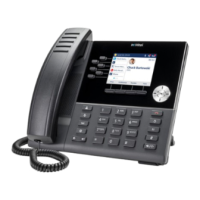
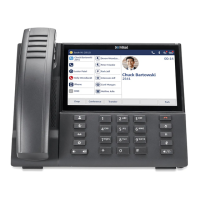
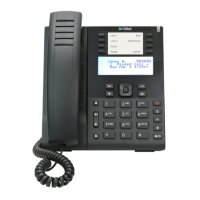
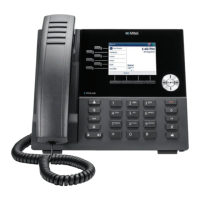
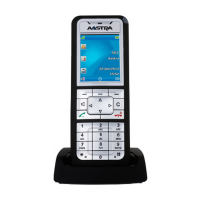
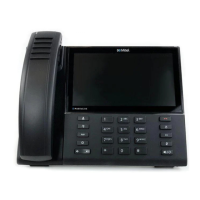
Reception phone
Mitel 6940 SIP 127
eud-1765/2.0 – R6.0 – 06.2018
Note: Some settings are not configurable if the room is vacant (for example:
Notification and Do not disturb).
Room list
Room list displays the list of all rooms. You can view each room’s configu-
ration and take the action you want. The icons show the occupancy state
on the left and wake-up calls, message notification, and cleaning status on
the right. For more information on icons and their description, see the sec-
tion "Display symbols"
, page 114.
You can also view a list of all rooms through:
• Reception menu
• Function key (if defined)
• Softkey available in different menus such as Check-in/Check-out, Room
configuration, Wake-up calls, Notifications, Do not disturb, and Reprint
last bill. In this way you can select the room instead of entering the
room number.
Press the Room configuration key.
Enter the room number of the room to get the detailed room-configuration set-
tings of the room. Modify the settings as required.
Or,
Room configuration settings are also available through the menu: Menu >
Reception menu > Room list.
Press the right arrow key or Select softkey to get the detailed room-configura-
tion settings of the room. Modify the settings as required.
Press the Menu key.
Press the Reception menu key.
Press the Room list key.
➔ A list of all rooms appears.
Or,


 To Next Page