Operating Instructions MG3 Digital
Commissioning
76609409EN-BA-MG3D-V1_6.docx 22/82 2010-08-02
3.2 Initial Commissioning
3.2.1 Preconditions
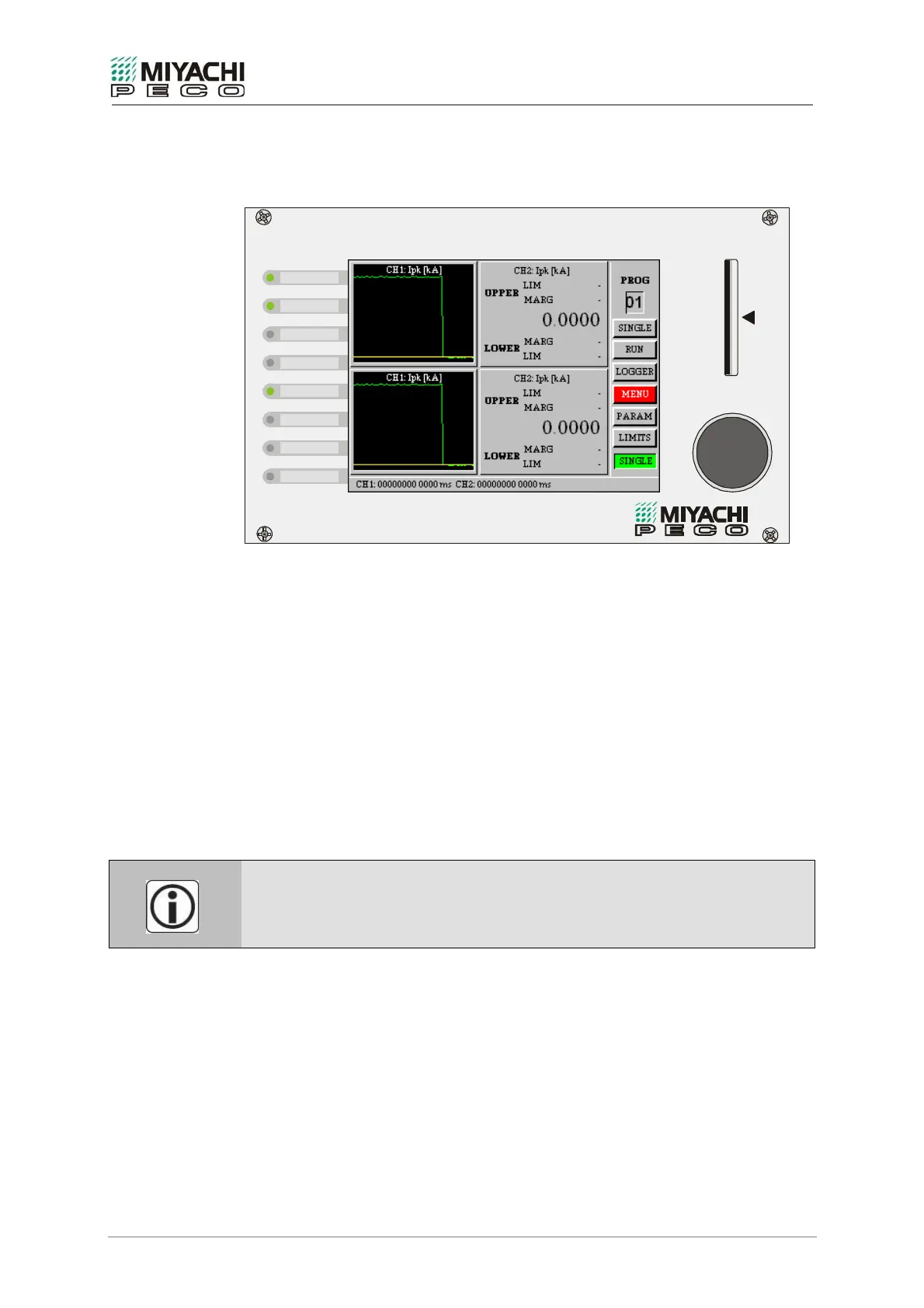
MG3 Digital - Process Sentry
CF I / II
MD
CF
REJECT
WARN
ACCEPT
FAULT
TRIG 2
TRIG 1
READY
Fig. 9: MG3 Digital – Front view
• Check to see that measuring instrument MG3 Digital is switched off. The main switch
must be in position 0.
See section 3.1.1, Fig. 2/16.
• Check mains voltage and frequency at place of installation. See section 2.2.
• Plug in power supply cord to the inlet socket for non-heating appliances at the rear of
measuring instrument MG3 Digital. See section 3.1.1, Fig. 2/1.
• Check to see whether the CompactFlash™-card (CF card) is plugged in. Plug in the CF
card into the slot() provided for that on the front panel.
3.2.2 Starting-up
Switch on the main switch on the rear side of measuring instrument MG3 Digital. See
section 3.1.1, Fig. 2/16.
After initialization, lasting for approx. 30 seconds, you can configure measuring
instrument MG3 Digital.
If the equipment is switched off while booting, it will start up in a safe mode skipping
initializations on being switched on.
his may cause characters to be represented wrongly
or not at all. Start up the equipment a second time in this case.


 To Next Page