Operating Instructions MG3 Digital
How to …?
76609409EN-BA-MG3D-V1_6.docx 39/82 2010-08-02
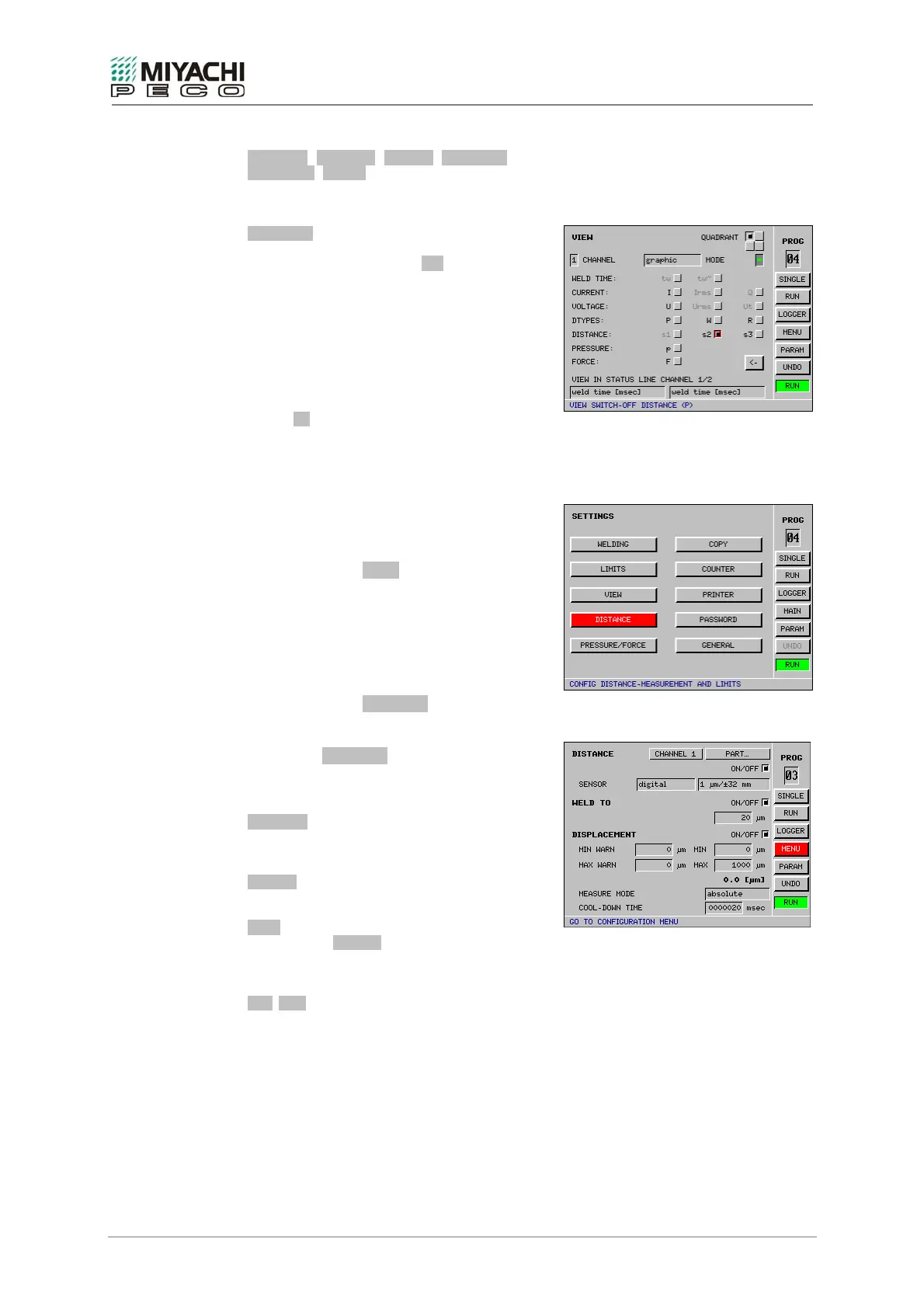
CURRENT, VOLTAGE, DTYPES, DISTANCE,
PRESSURE, FORCE
Select the desired measuring category for the
selected display window here.
DISTANCE (displacement)
Only during active displacement control and/or
part detection (see Section xxx).
s1 = Part detection channel 1
s2 = Cutoff value channel 1
s3 = Sinking depth value channel 1
s4 = Part detection channel 2
s5 = Cutoff value channel 2
s6 = Sinking depth value channel 2
Button <-
This button lets you reach the next configurable
display window.
5.6 Displacement Measuring (digital or analog)
Preparations
• Connect the displacement measuring
system as described in section 3.1.5.
• Select button MENU with the
knob/pushbutton combination and depress
button.
• Select button DISTANCE with the
knob/pushbutton combination and depress
button.
• Screen DISTANCE opens, and now you may
perform all necessary settings.
Configuring displacement measurement
CHANNEL
Select the channel, which the displacement
measuring system is connected to.
ON/OFF
Enables/disables displacement measuring.
PART
When button ON/OFF is enabled, parts
detection is enabled (see also X38 outputs)
(see also outputs X38).
MIN/MAX
Value for minimum/maximum displacement
specifications for monitoring automatic part
detection.
Monitoring is active if both values are zero.


 To Next Page