© Copyright MOBA Mobile Automation Australia Pty Ltd
Working with Sensors
35
5.1.5 MEASUREMENT MODE
The measurement mode for sensors with ability to zero the reading can switch between
Relative [REL] and Absolute [ABS]. Relative mode means that the sensor reading is
relative to the position where the zeroing occurred. Absolute mode means the sensor
reading is taken from the factory default zero position. For example, for laser sensors,
this is the physical centre of the receiving area.
After executing a ‘zeroing’ using the zero button, the measure mode automatically
becomes Relative. To revert back to Absolute mode, access sensor settings menu,
select measure mode and press enter. ABS is then shown in the square brackets.
Note: On power down, the CB.D2.CAN retains the previously used measurement
mode. It is important before beginning a new job to ensure that the correct
measurement mode is selected.
When system is used in Relative Mode this reading shows the offset from absolute
position.
Select between various units of measurement for different sensor. Different units
available for different sensors are:
Slope Sensor :
1. Percentage [%]
Laser Sensor :
1. Centimeter [cm]
2. Millimeter [mm ]
ZERO
5.2 GRADE TO ZERO OPERATION
The current screen reading for certain models of laser sensor, for GPS sensor and for
mast can be zeroed at any time.
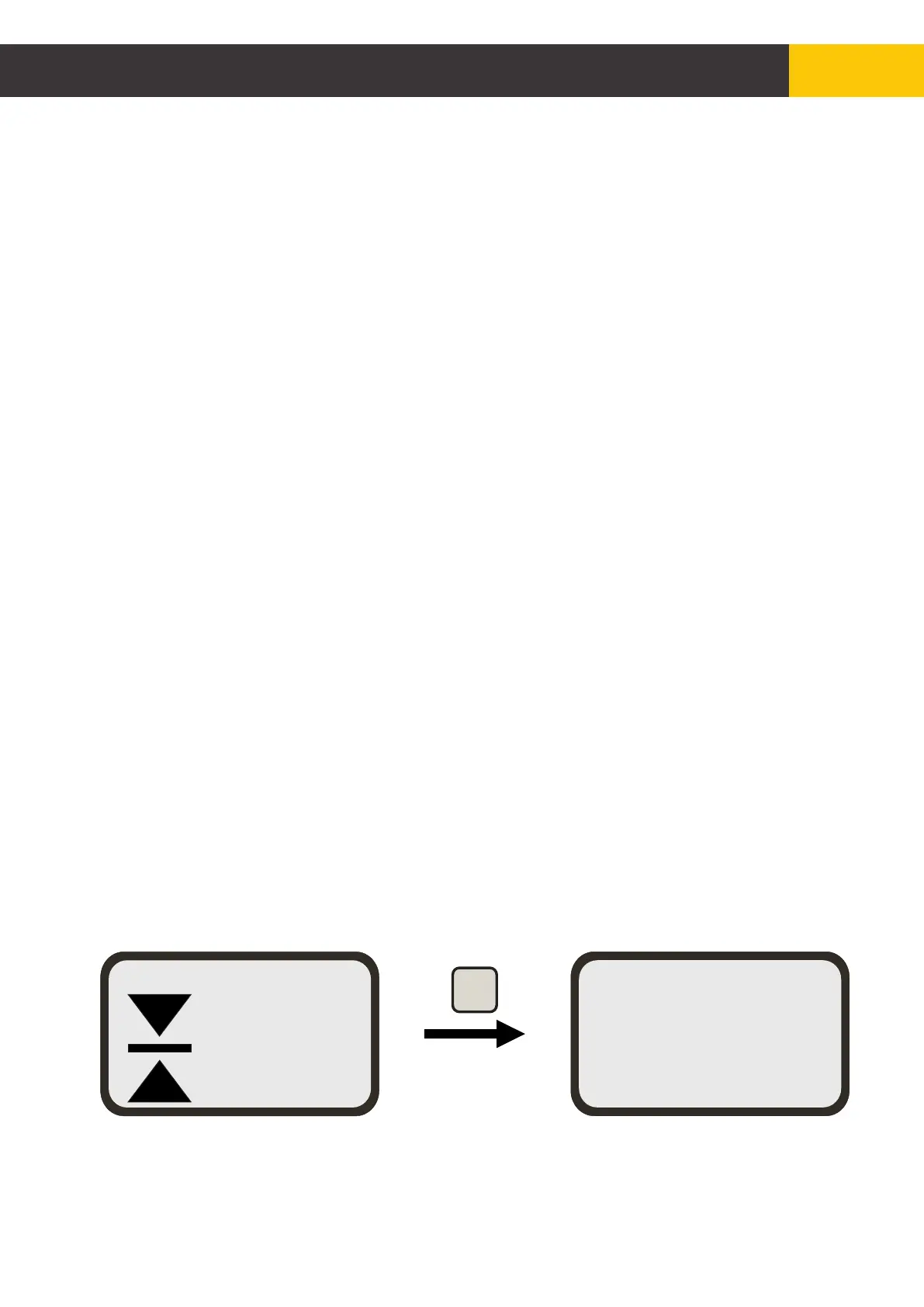
To zero the current reading from the working screen, press the [ZERO] key to zero the
mast connected to CB.D2.CAN
Note:
1. Some sensor model do not support grade to zero.
2. Grade to zero for laser sensors only works if the beam is hitting the sensor.
MAST Zero is set
+0110
MAST
[mm]
MAN
Figure 5.2.1


 To Next Page