© Copyright MOBA Mobile Automation Australia Pty Ltd
46
Working with Sensors
5.4.4 GNSS SENSOR
5.4.4.1 GNSS WORKING SCREEN
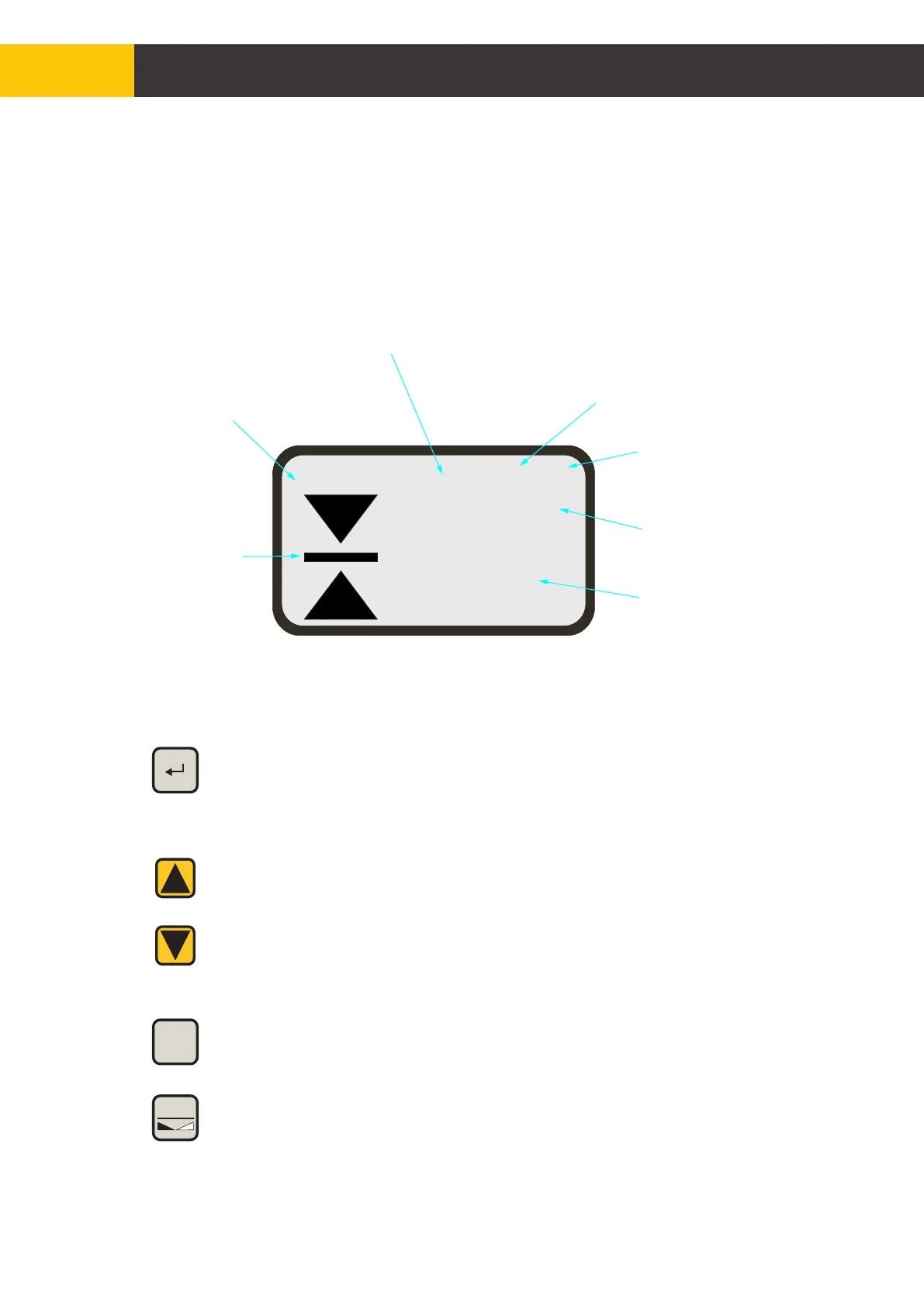
The GNSS sensor is always shown on the left side of the working screen. All the
information and settings related to GNSS are shown in the typical example below
with the GNSS in a fixed state and control panel in manual mode of operation.
5.4.4.2 GNSS FUNCTION KEYS
- Move up and down to trim height offset
- Short press both switches to copy current height position to
offset
- Long press both switches to reset height and offset to zero
AUX
- Job type selection
- Job target settings
- Zero GNSS height and offset
ZERO
- Edit and select height reference memory settings
REF
+ -
Sensor type - GNSS
Job Status:
Target grade slope
settings “No Job”
Height Offset
GNSS Status:
ü - Autonomous
üü - Fix
RL - Radio Link Error
Current Position
Dead Band
for GNSS
control
Hydraulics control
Mode for GNSS
-0008
0.135
GPS üü 000
MAN
Figure 5.4.4.1.1


 To Next Page