© Copyright MOBA Mobile Automation Australia Pty Ltd
52
System Default
7 RESET TO SYSTEM DEFAULT
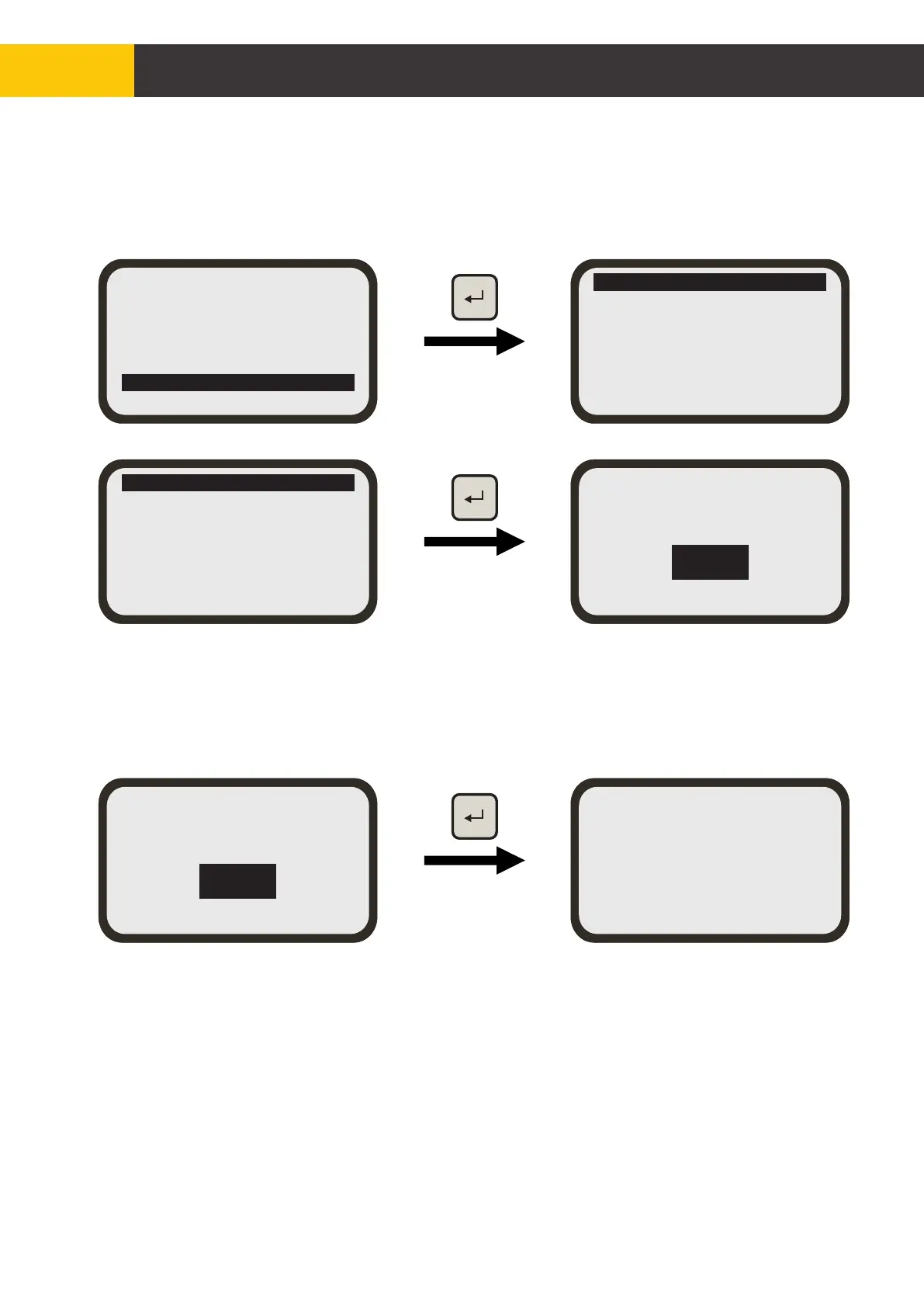
From the main menu screen, use [AUX] key to select ‘Advance Settings’ and press [ENTER]
key then follow configuration below.
Set Default
Prop Toggle Stick
Aux <-> Hydraulic
H Control= Standard
Load Override =[Yes]
Show ULS-P Reading=N
F1/F2 = Load Value
Set Default
Prop Toggle Stick
Aux <-> Hydraulic
H Control= Standard
Load Override =[Yes]
Show ULS-P Reading=N
F1/F2 = Load Value
[YES]
Are you sure to
restore Default ?
[NO]
To avoid accidental resetting of the system to factory defaults, you will be asked to confirm
your selection. Select ‘NO’ if you do not want to proceed and press the [ENTER] key to exit.
Select ‘YES’ if you want to proceed with system default. Press the [ENTER] key to execute.
Screen will return to the main menu screen after displaying ‘Factory default restored’ screen
for five seconds.
[YES]
Are you sure to
restore Default ?
[NO]
Factory default
restored
Figure 7.1
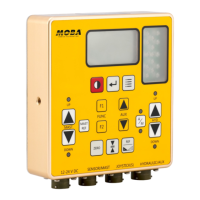
Hydraulic Settings
Sensor Settings
Accessory Sensors
Joystick
LCD/LED Settings
Advanced Settings
Exit


 To Next Page