www.mobotix.com • sales@mobotix.com
The symbols in the first column and the legend in the dialog indicate whether you can
access a particular camera directly from the MxControlCenter, which is the case for all
) . Cameras designated with
located in a dierent subnet. This usually applies to new cameras or cameras that have
been reset to their factory settings.
The MxControlCenter finds all MOBOTIX cameras, even when the computer and the
cameras are not located in the same subnet.
Select the cameras that you would like to display in a Layout (a view with cameras) and
Add selected video sources
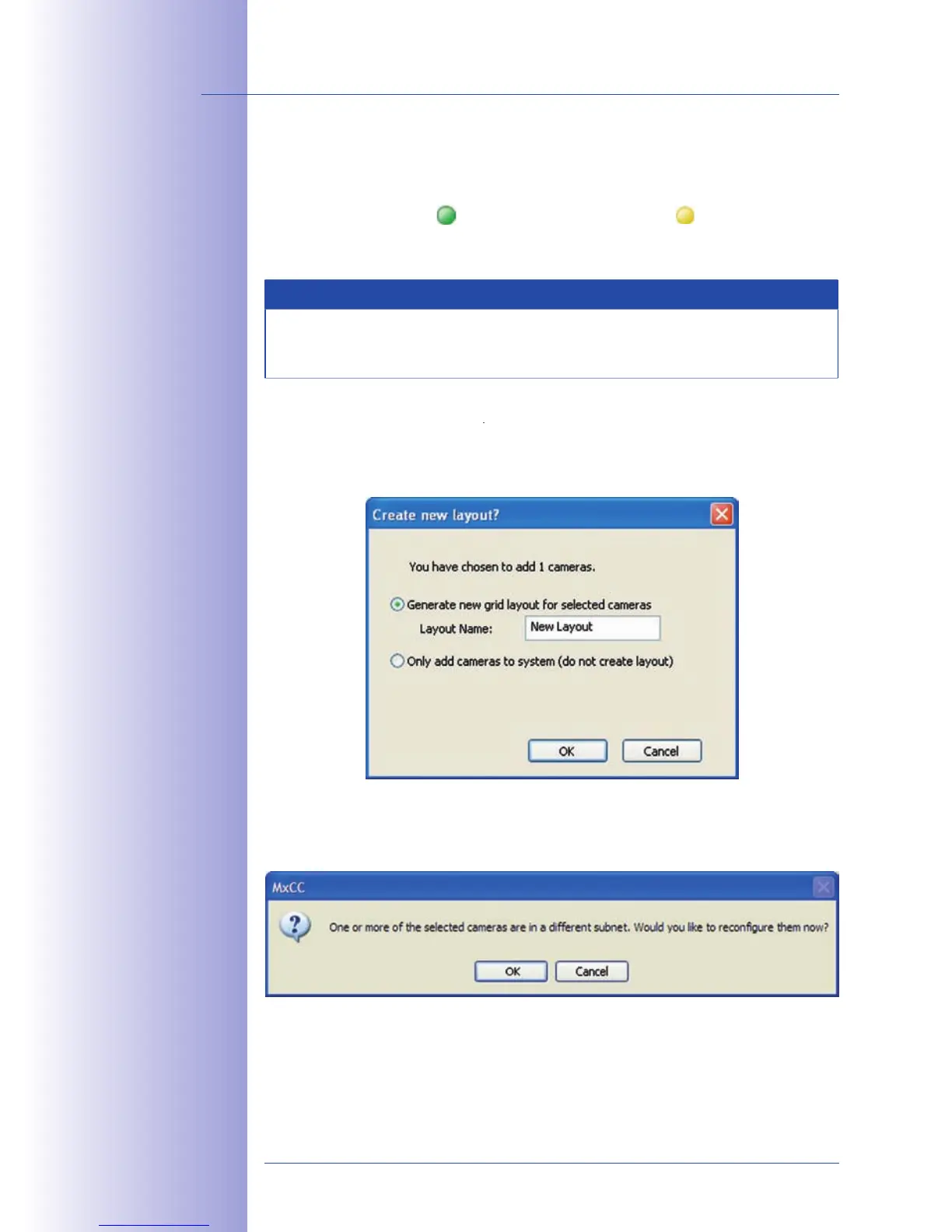
dialog will appear. You can choose to either create a new layout
with the cameras that have been found or simply add those cameras to the MxControlCenter.
If some of the selected cameras are in dierent subnets, MxControlCenter displays the
to reconfigure the cameras for your specific network area.



 To Next Page