www.mobotix.com • sales@mobotix.com
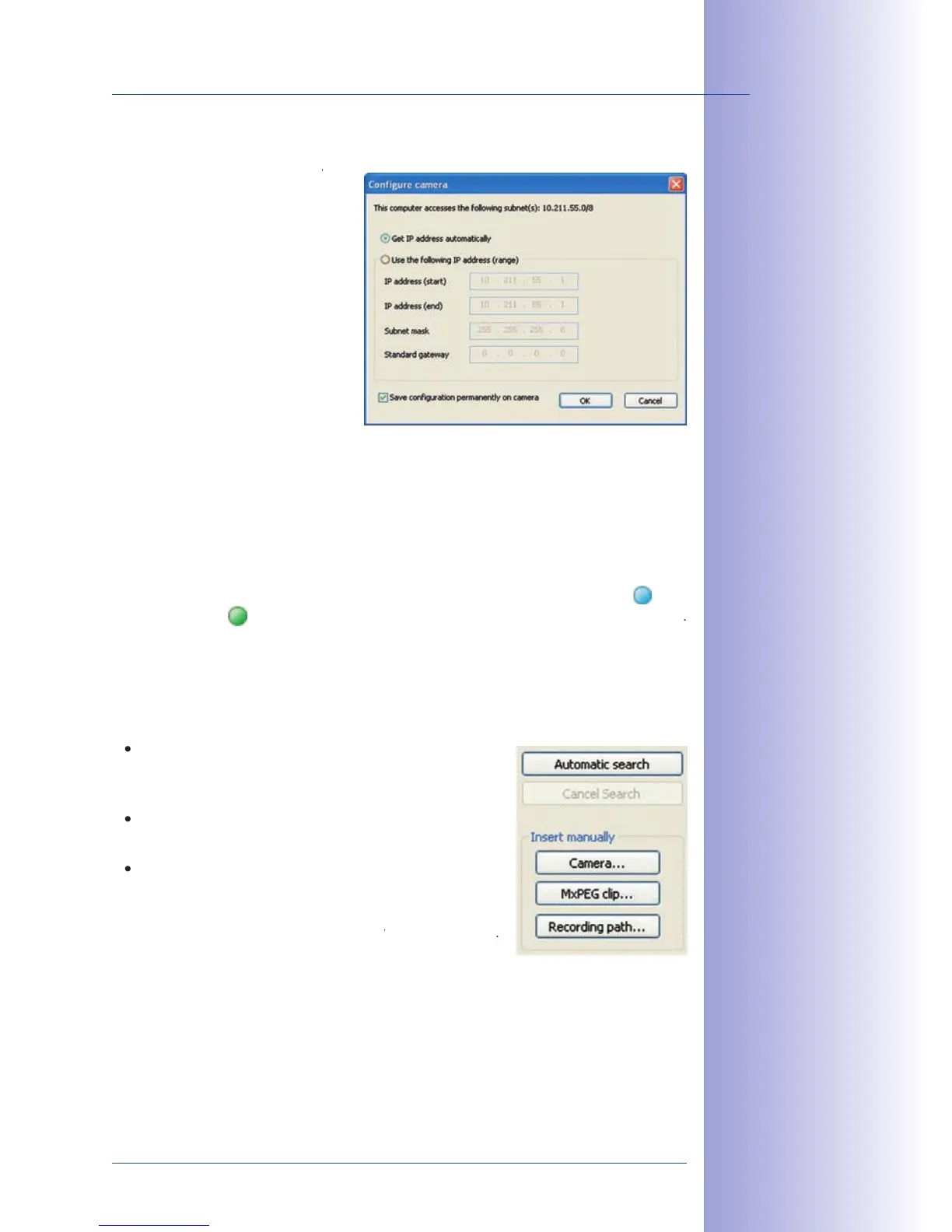
will
automatically assign the IP addresses for
network devices so that you can apply
the default settings in the
). If you would like all cameras
to obtain IP addresses automatically,
If the IP addresses for devices on the
network are permanently assigned,
ask your network administrator for
the appropriate IP addresses for the
cameras. Once you have that information, enter the correct
that the cameras can be found at the designated IP address when you restart your computer.
Now wait until MxControlCenter has modified the network settings of the cameras and
restarted the computer. The status of the reconfigured cameras changes from
In addition to the MOBOTIX cameras that are found automatically, you can also manually
add video sources to the list of video sources for MxControlCenter .
Here, you can enter the known IP address or
DNS name of a MOBOTIX camera or a third-party IP
camera if it was not found by the automatic search feature.
Adds an MxPEG video clip previously
recorded by a MOBOTIX camera as a video source.
Adds the path of an external file server
where a MOBOTIX camera has recorded audio/video
data. The videos or images recorded at that location can
now be played back using the
In this list you can now select the video sources that you would like to display and man-



 To Next Page