SR5 MechTool
TM
Manual TSP012.doc Issue 2.1 – June 2004
©Money Controls 2004. All rights reserved.
Page 10 of 24
1
2
ON
6. Mode Control - Position D
For Alarm details see the “SR5 Technical Manual”.
To set the mode, ensure that the SR5 is powered up through the main parallel connector.
To use:
¾ Make a note of the rotary switch position and the bank select switch positions.
¾ Turn the rotary switch to position D.
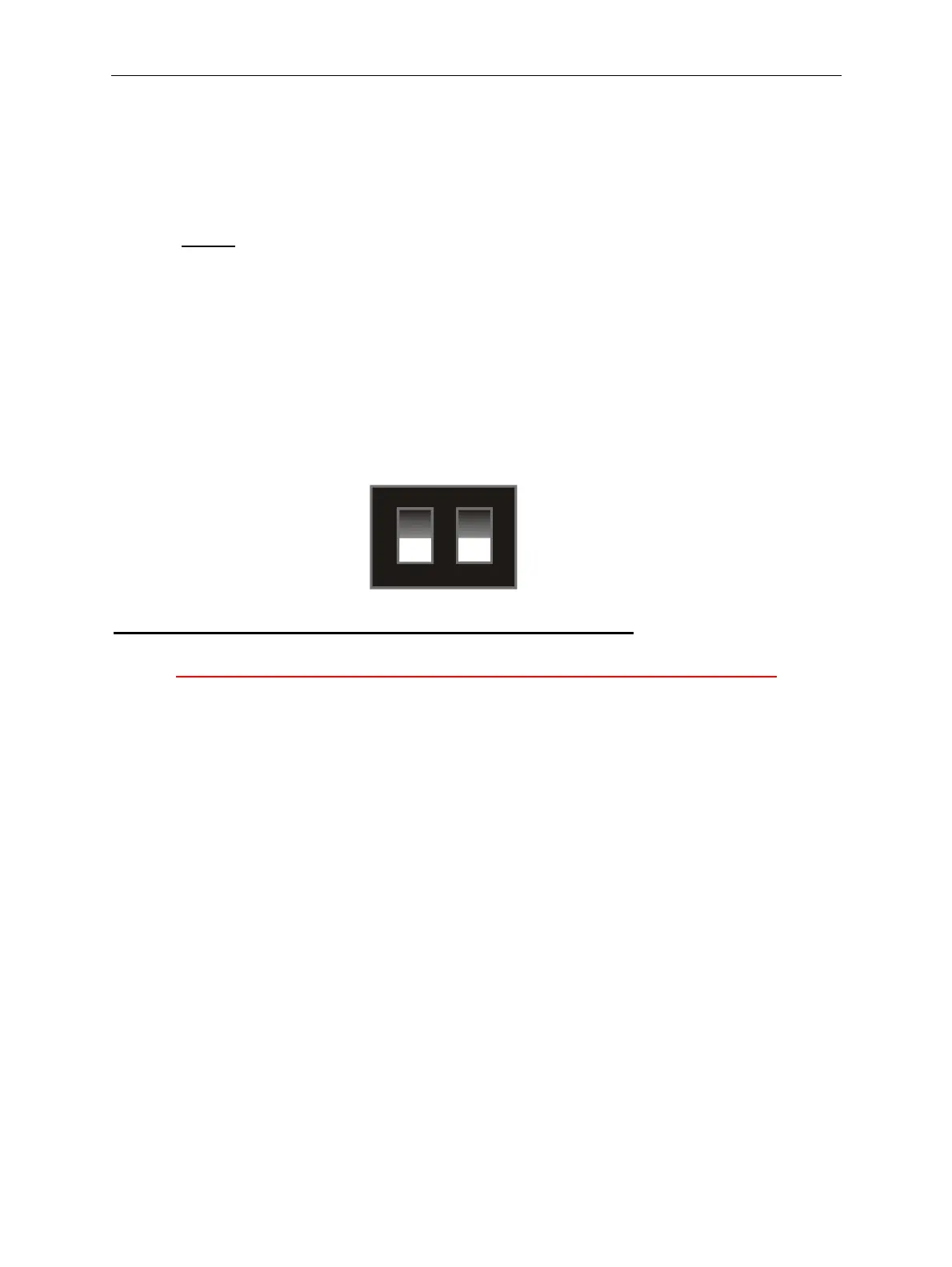
¾ Set the bank select switches to the desired operating mode.
¾ Press and hold the program button, the LED will change to RED.
¾ Release the program button.
¾ The LED will change back to GREEN.
¾ Set the rotary switch and bank select switches to their original positions.
¾ Press and hold the program button, the LED will change to RED.
¾ Release the program button.
¾ The LED will change back to GREEN.
Note: If the LED stays Green then mode control “D” is not available.
NEVER leave the validator with the rotary switch in positions D, E or F.
Alarms OFF
Other Rundown or
NO Rundown
CCL Rundown Alarms ON



 To Next Page